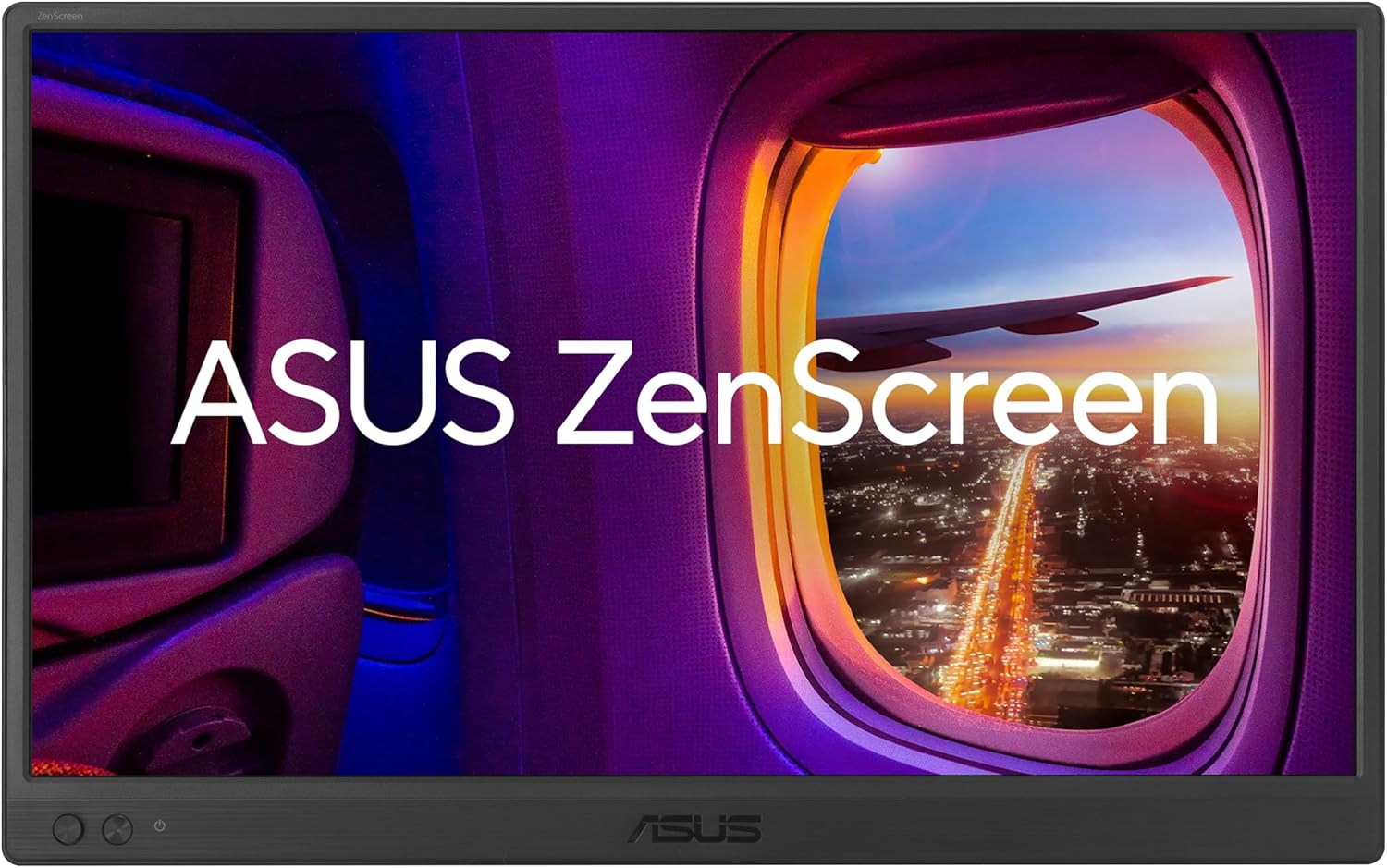
ASUS ZenScreen MB169CK 15.6-Inch Portable Monitor
Set up a portable display in portrait for documents or landscape for a second desktop.
Explore this find →
Amazon UK (affiliate link) ↗
The collection
Choose based on where the screen goes when you finish. A 15.6-inch monitor is easier to pack with a laptop. A larger movable screen makes more sense if it usually stays in one building.
Three portable monitors compared
The ARZOPA A1 is a 15.6-inch option for travel or occasional second-screen use. Its built-in kickstand avoids packing a separate stand. Check the cable and power requirements for your laptop.
The ASUS ZenScreen MB169CK is also 15.6 inches. Its rotating kickstand and tripod socket give you more mounting choices if you switch between landscape and portrait. Check whether automatic rotation is supported on your system.
The ASUS ZenScreen MB249C gives you a 23.8-inch desktop-sized screen to move between workspaces. Check whether the clamp fits the desk and whether the listed 2.8 kg weight works for how far you need to carry it.
Check video and power separately
Look up whether your laptop USB-C port supports video output. If you use HDMI, check what powers the screen separately and whether the monitor uses a full-size or mini-HDMI connector. For more ways to set up your workspace, browse Desk & Office.
If you mainly want to mark up PDFs or take handwritten notes away from a desk, compare digital notebooks you can use without plugging into a laptop.
Showing 1–3 of 3 finds
Set up a portable display in portrait for documents or landscape for a second desktop.
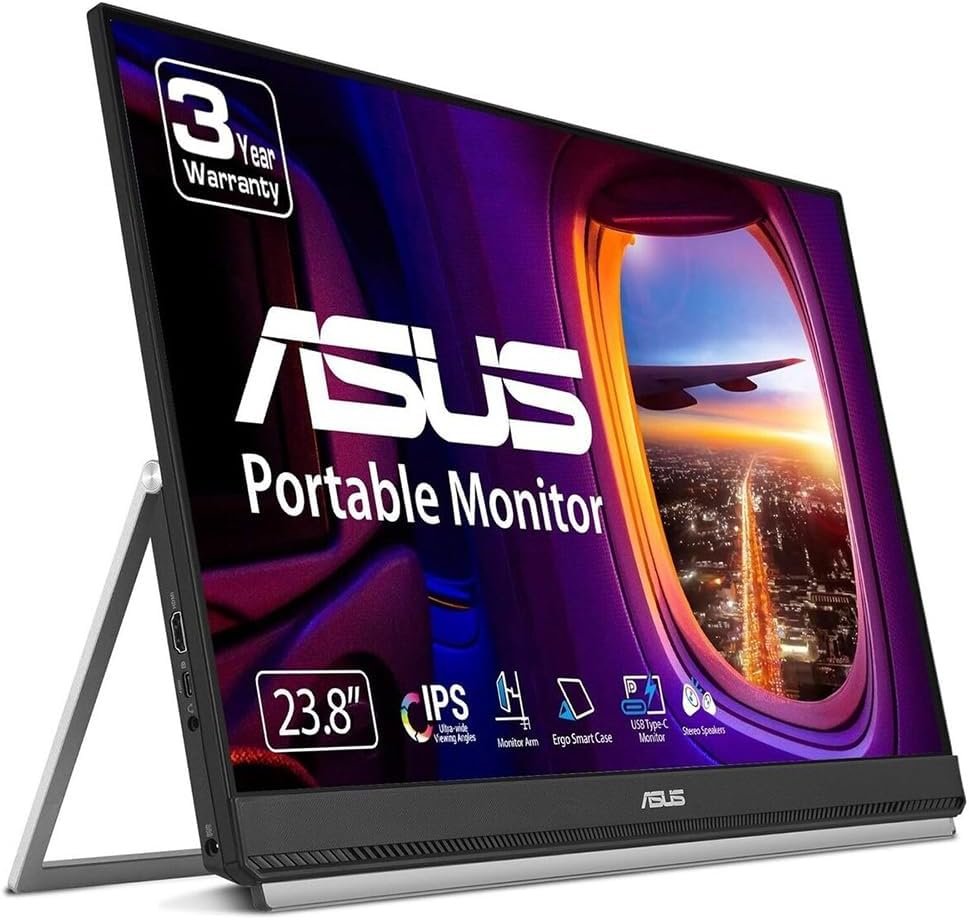
Move a full-size second screen between desks using the integrated carrying handle.
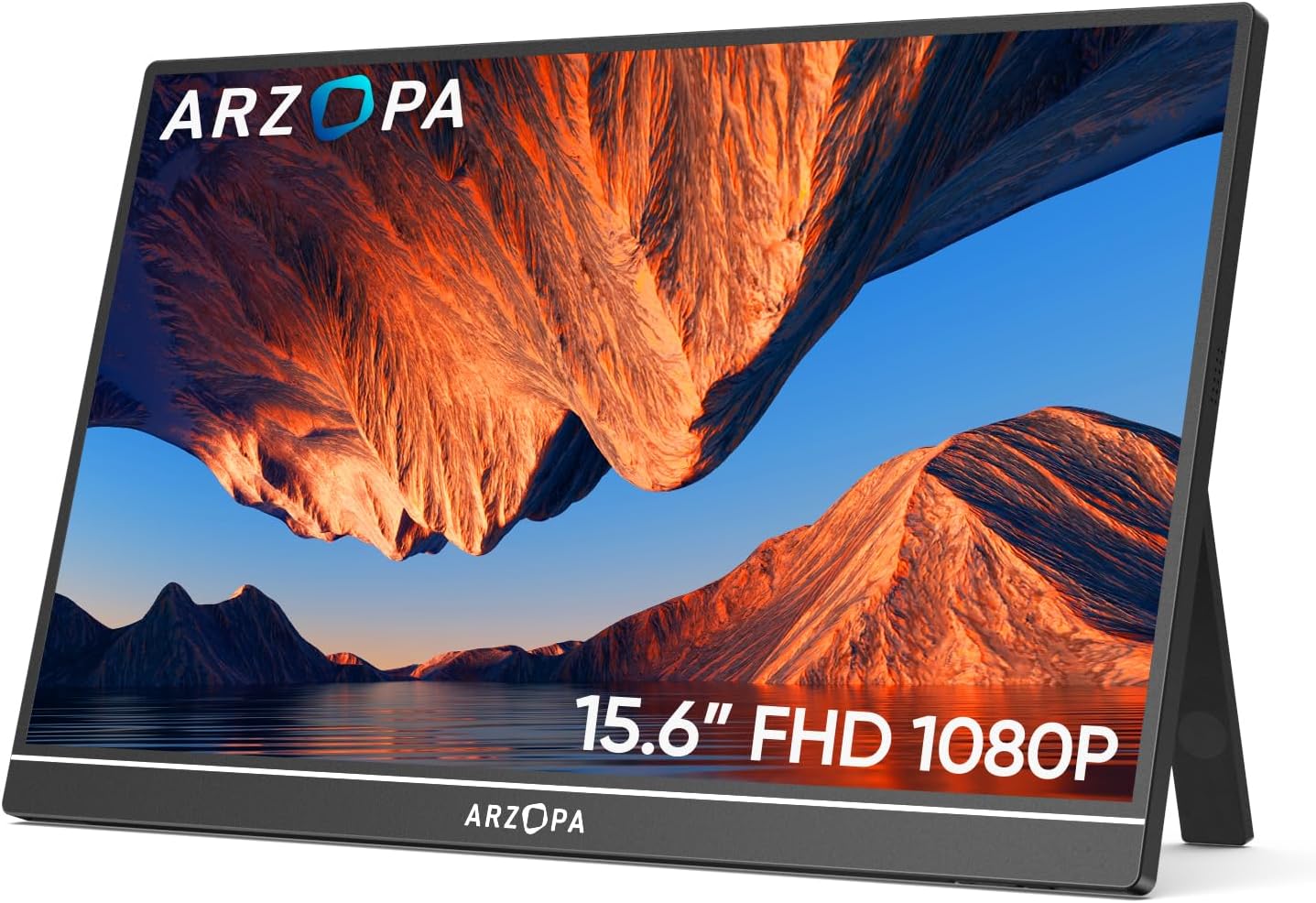
Add a second screen to a laptop without packing a separate stand.