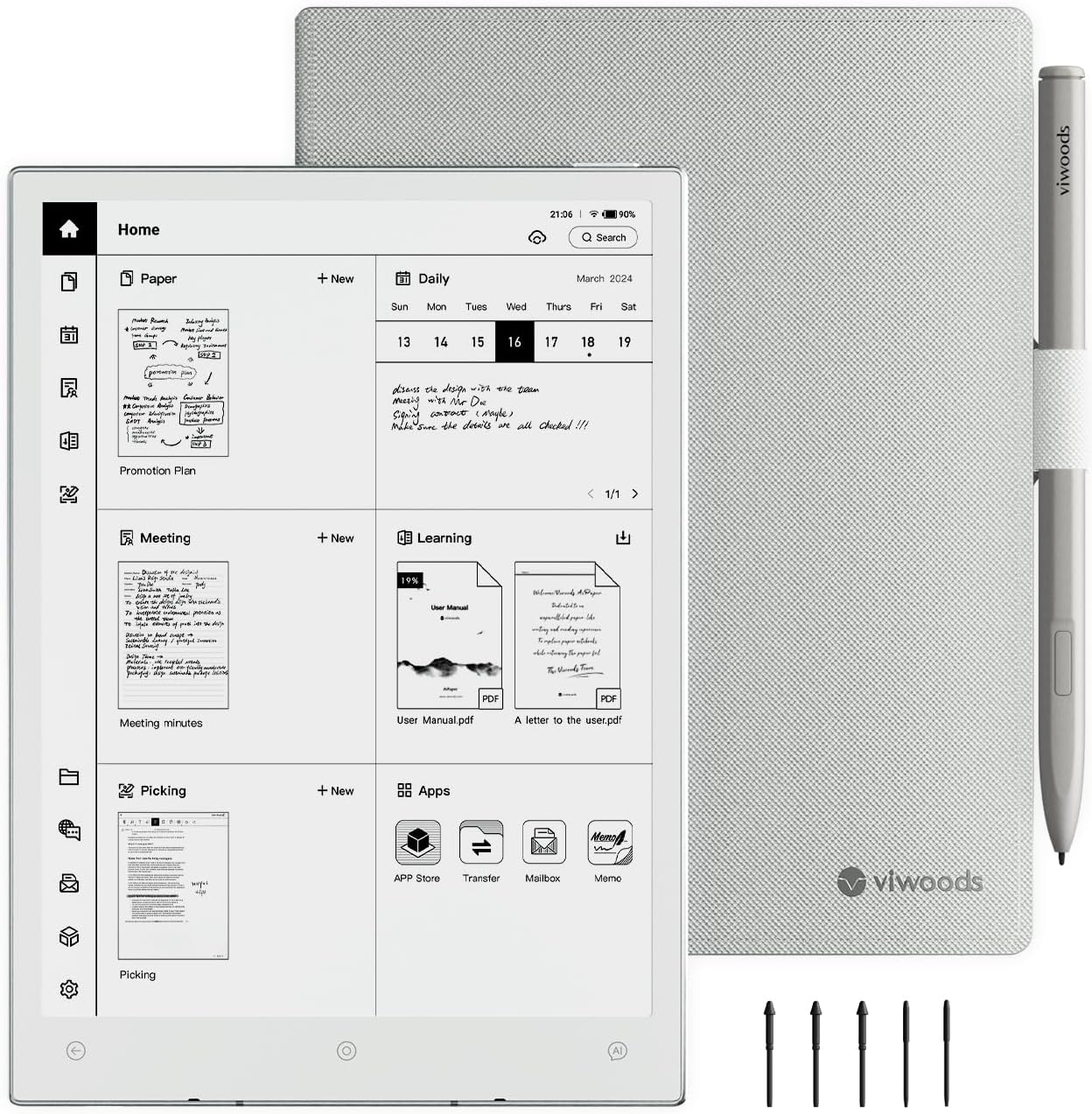
VIWOODS AiPaper Mini 8.2-Inch E Ink Notebook
An 8.2-inch E Ink notebook bundle with a stylus, folio and replacement nibs.
Explore this find →
Amazon UK (affiliate link) ↗
The collection
Start with the document you use most often. A larger screen can make it easier to read a full-size PDF, while a smaller notebook is easier to pull out between meetings. Check how notes leave the device before moving your workflow across.
Three E Ink notebooks compared
The Penstar eNote 2 is a 10.3-inch option for marking up PDFs. Its split-screen mode lets you keep a document and handwritten notes in view. Check how annotations export to the computer you use for work.
The reMarkable Paper Pro Move has a smaller 7.3-inch colour display for quick notes away from a desk. A full-size PDF may require more zooming. Check which handwriting search features need a Connect subscription.
The BOOX Note Air 6 C suits someone who wants a stylus, colour annotations and compatible Android apps. Check the refresh behaviour in the apps you expect to use and how you will back up your notes.
Try one PDF and one page of notes
Open the sort of PDF you use at work or school and check whether you can read a full page without zooming. If you often annotate forms or slides, try writing in the margins and turning the page with the pen in your hand.
Export a marked-up copy and open it on another device. Check whether the handwriting stays visible in the exported PDF. If you need to search your notes later, check whether handwriting search works on the device, in a companion app or through a subscription.
If you still prefer writing on paper
The Rocketbook Core A5 uses wipe-clean pages. You write with a compatible pen and scan the pages you want to keep. Consider how often you will need to scan before wiping a page.
For more ways to organise a workspace, browse Desk & Office.
If you need more room for desktop apps or spreadsheets when travelling with a laptop, compare portable monitors by size, stand and cable setup.
If your main goal is reading books and turning pages, see the E-Readers guide for smaller options with different screen sizes and library compatibility.
Showing 1–12 of 12 finds
An 8.2-inch E Ink notebook bundle with a stylus, folio and replacement nibs.
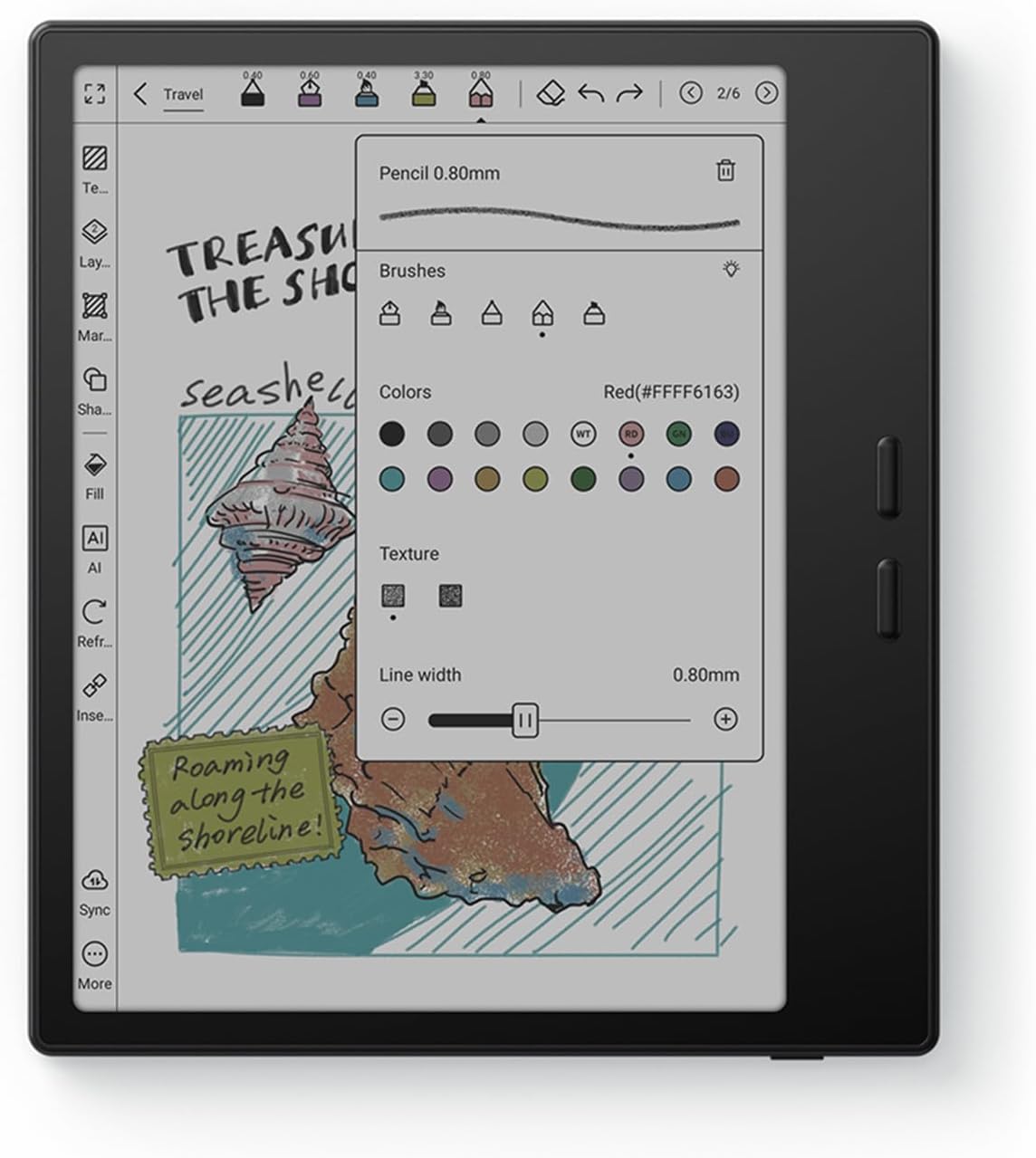
Read on a seven-inch colour screen and turn pages with physical buttons.
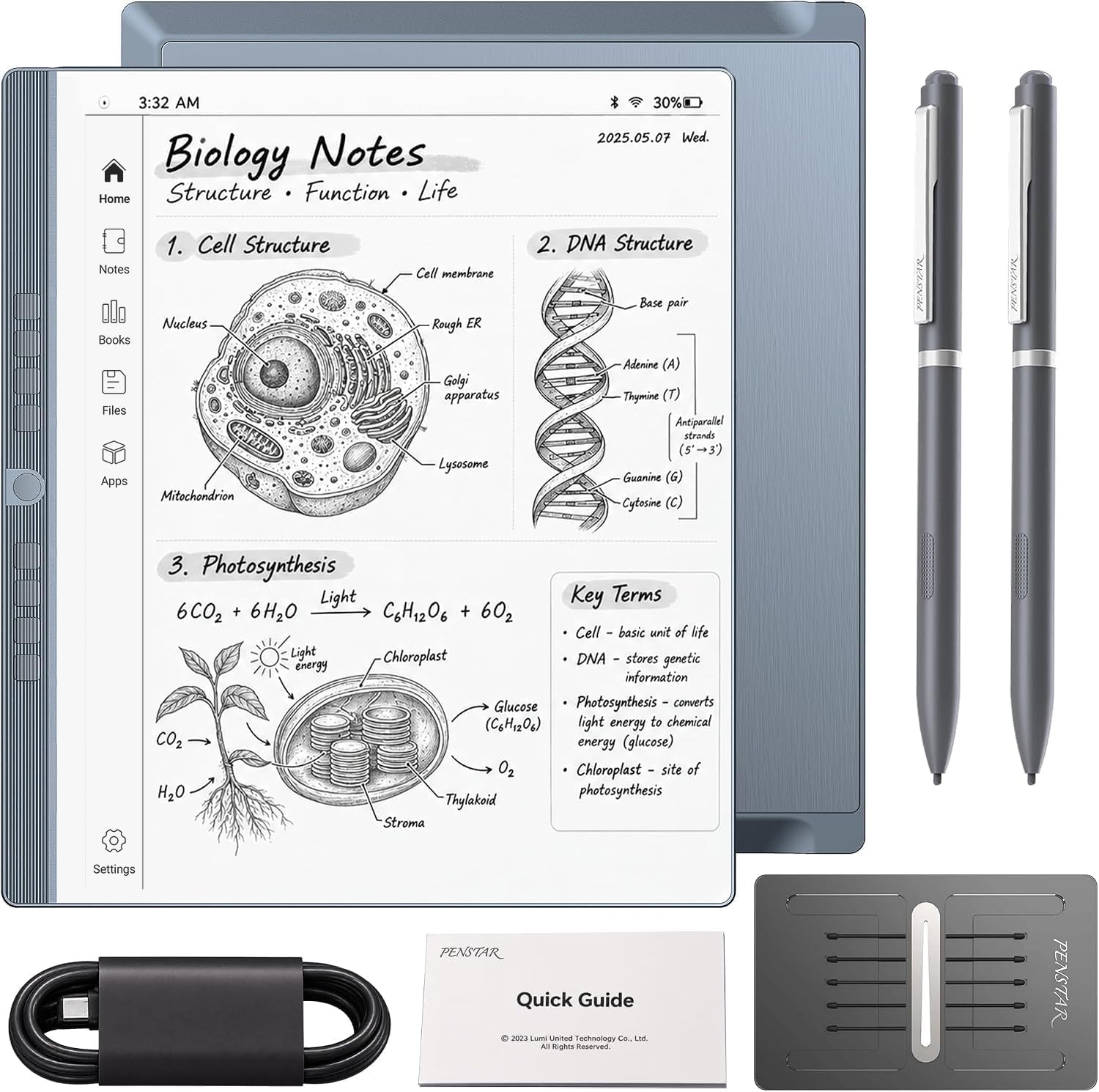
Read a document and take handwritten notes beside it on a 10.3-inch screen.
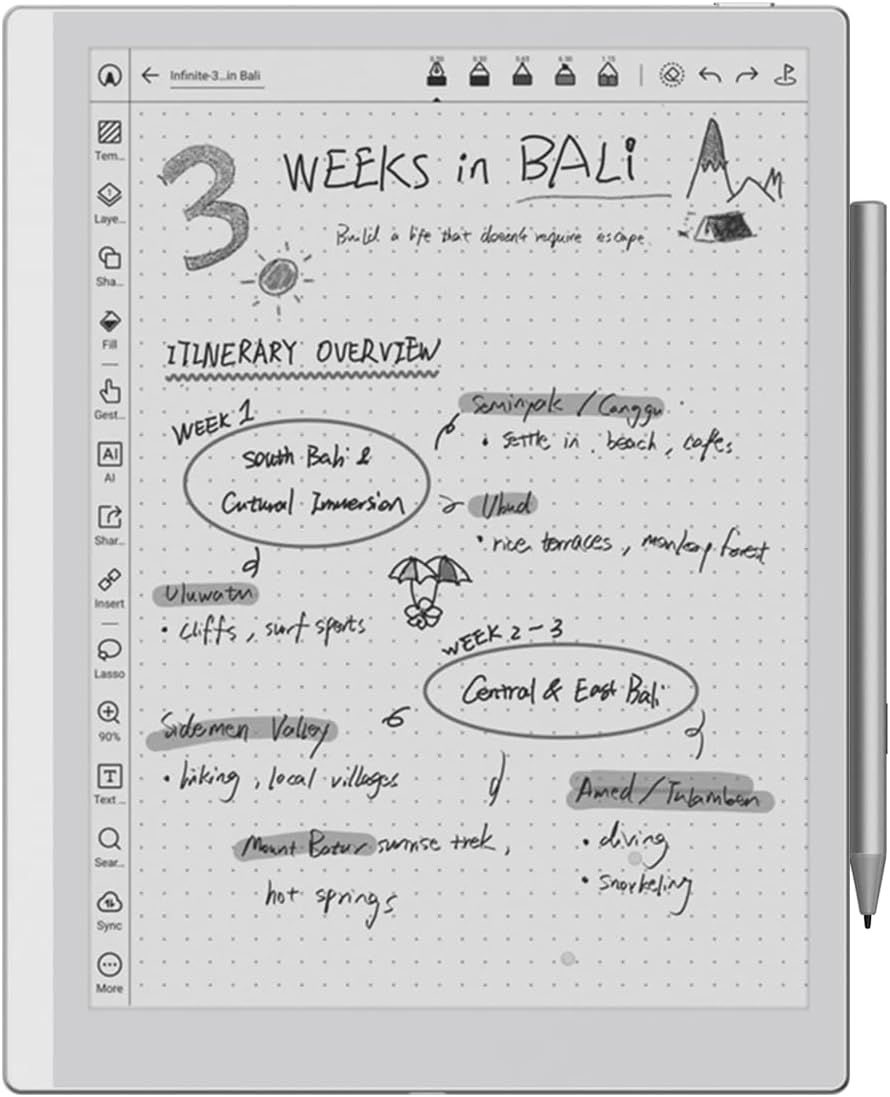
Carry a slim monochrome notebook for handwritten notes and reading PDFs.
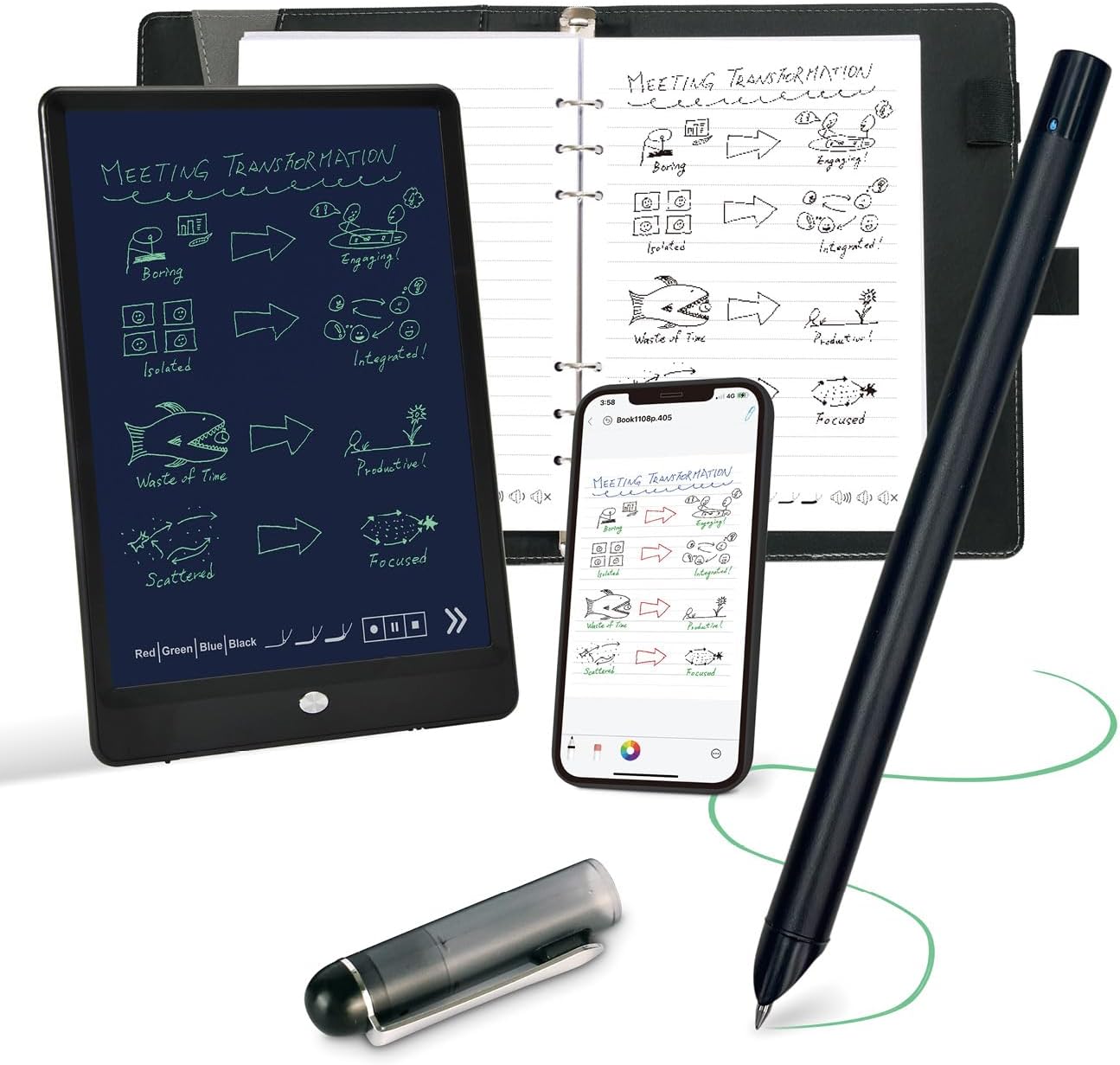
A Bluetooth smart pen bundled with a dot-code notebook and a 10-inch LCD writing pad.
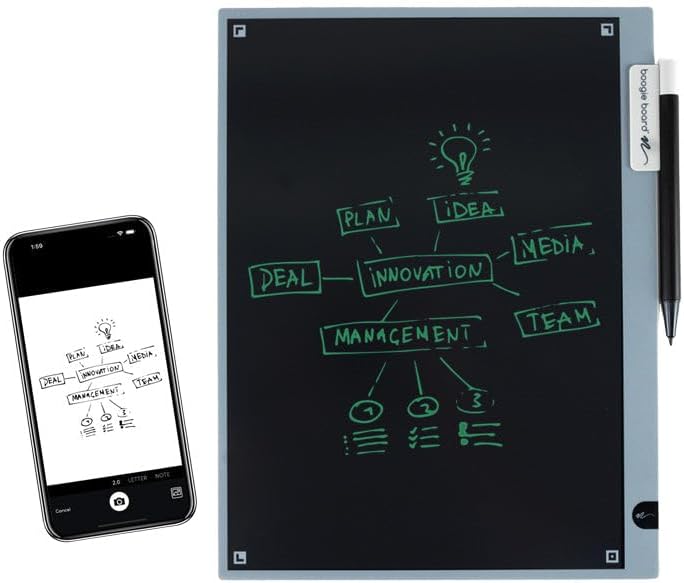
A reusable LCD writing pad with a stylus holder and a companion scanning app.
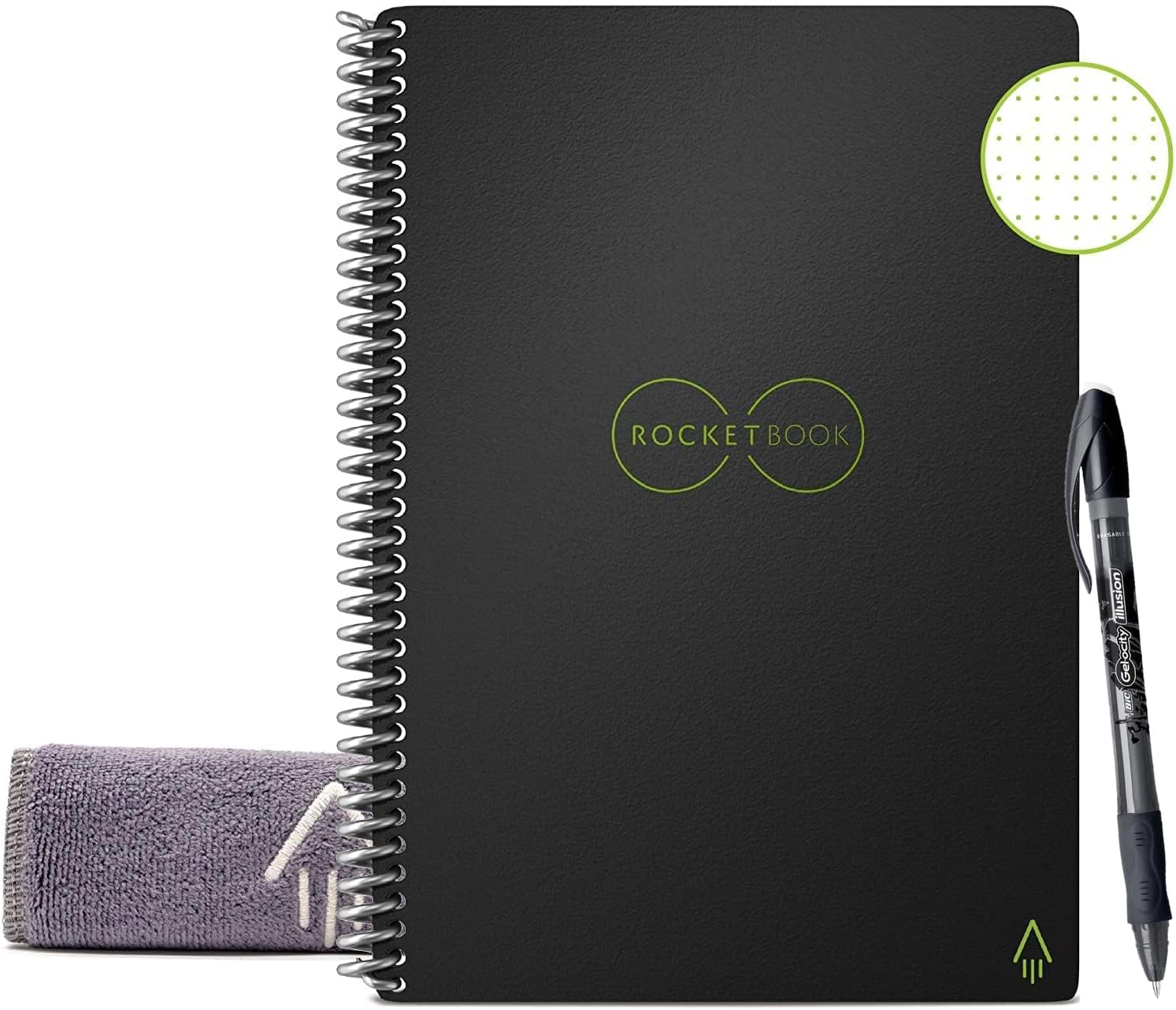
An A5 dot-grid notebook with wipe-clean pages and an app for scanning notes.
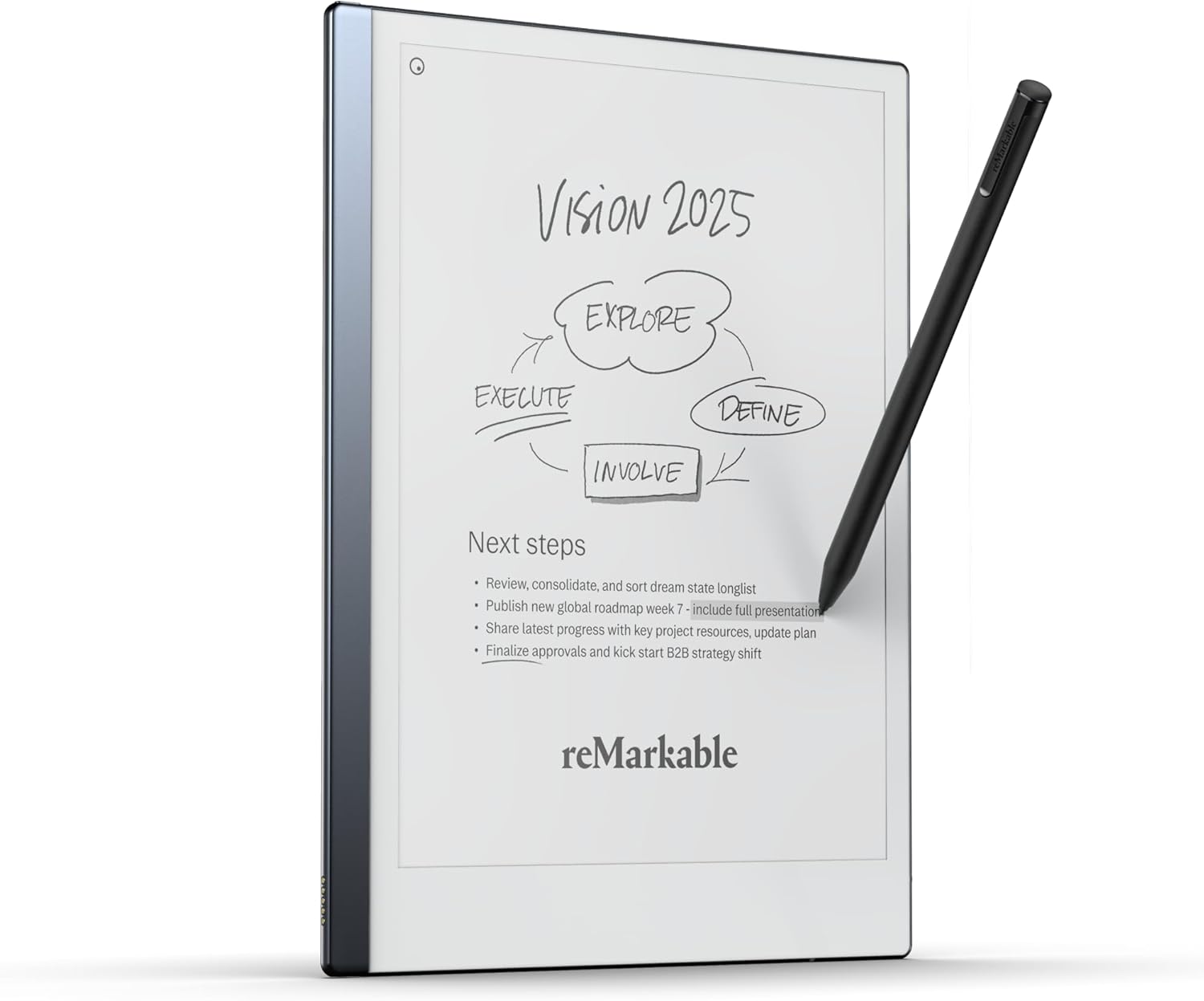
A slim 10.3-inch digital notebook with a stylus that has a built-in eraser.
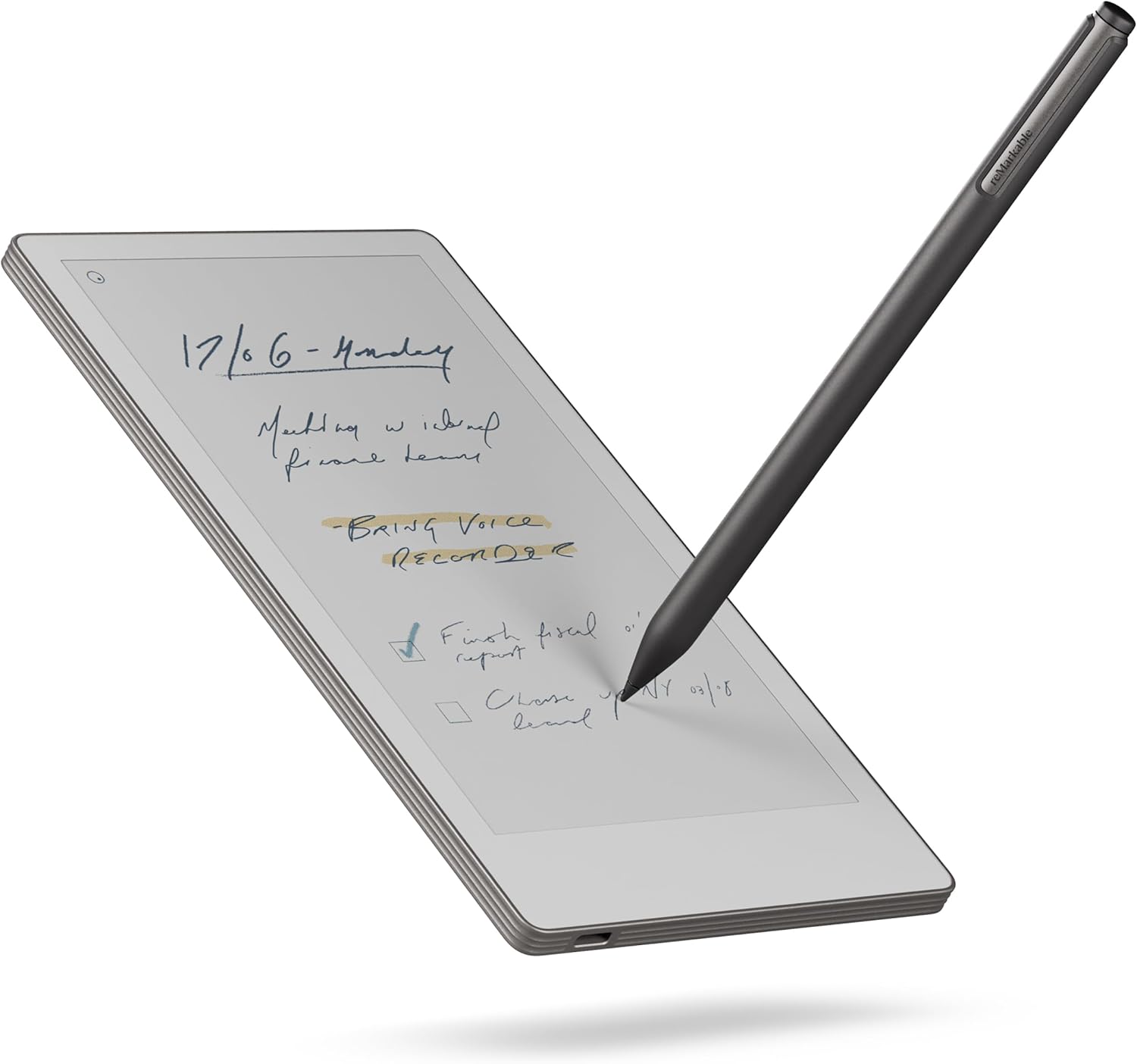
A 7.3-inch colour digital notebook sized for quick notes away from the desk.
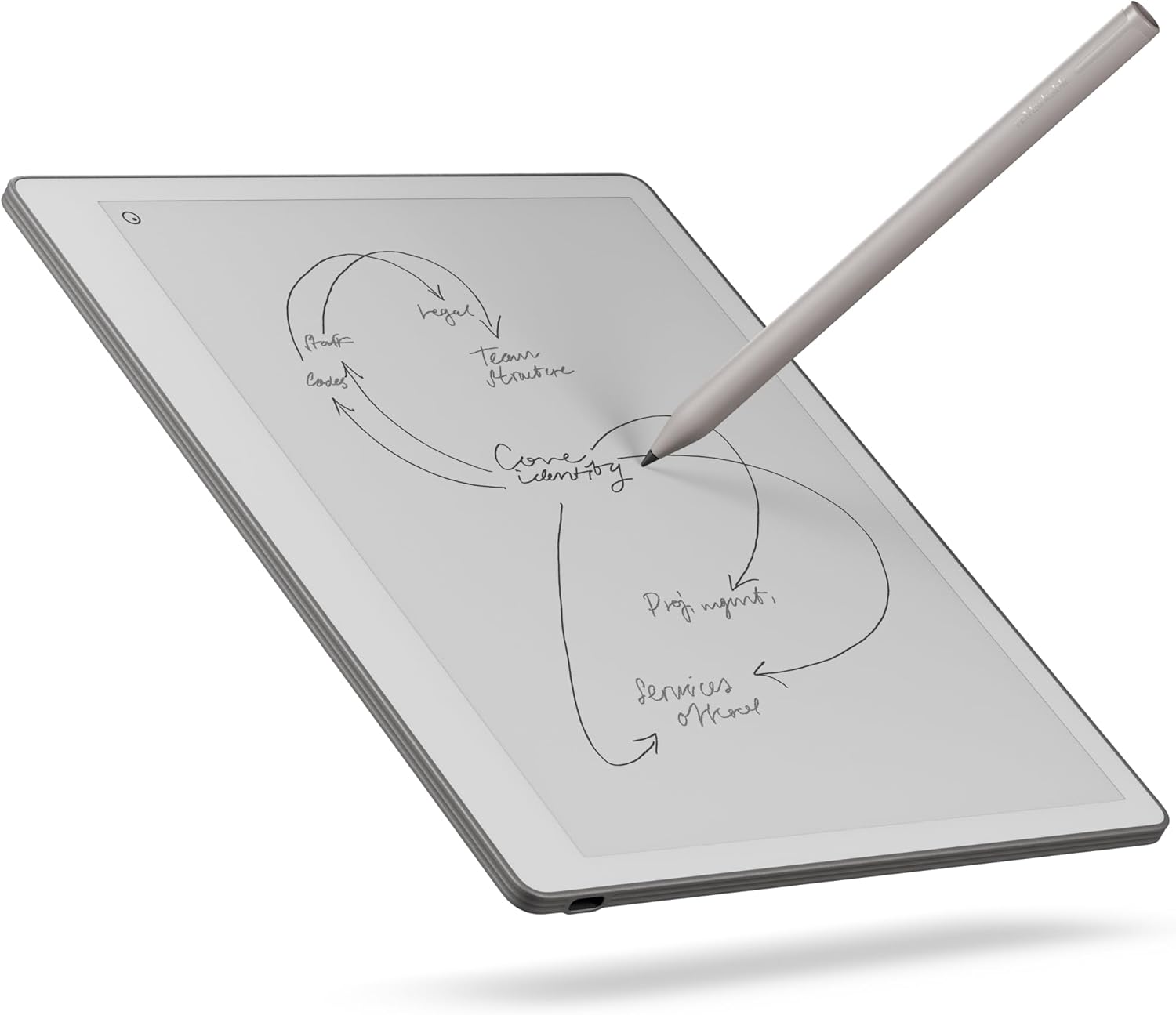
A monochrome 10.3-inch digital notebook with a stylus for handwriting and document markup.
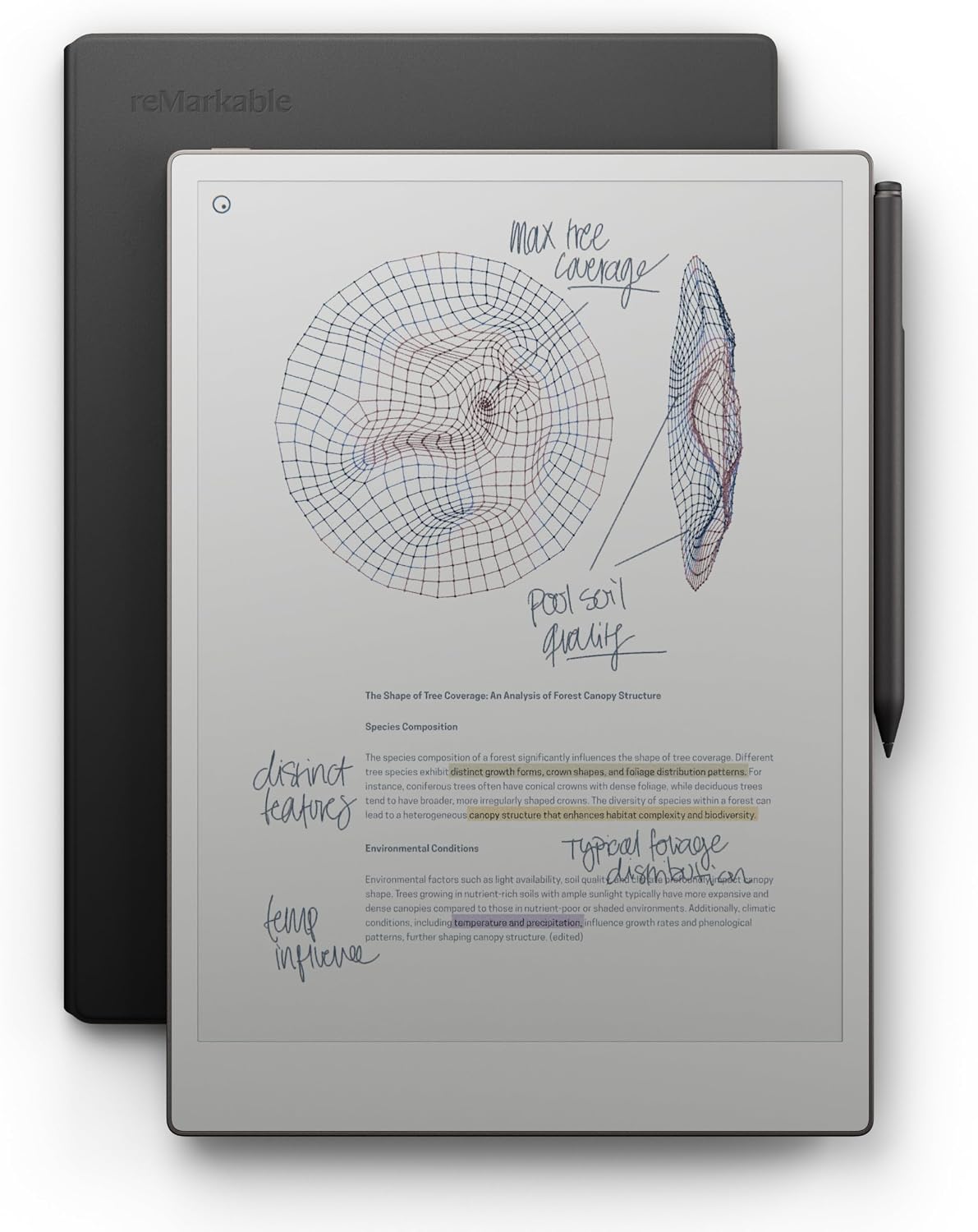
A large colour paper tablet packaged with a pen and protective folio.
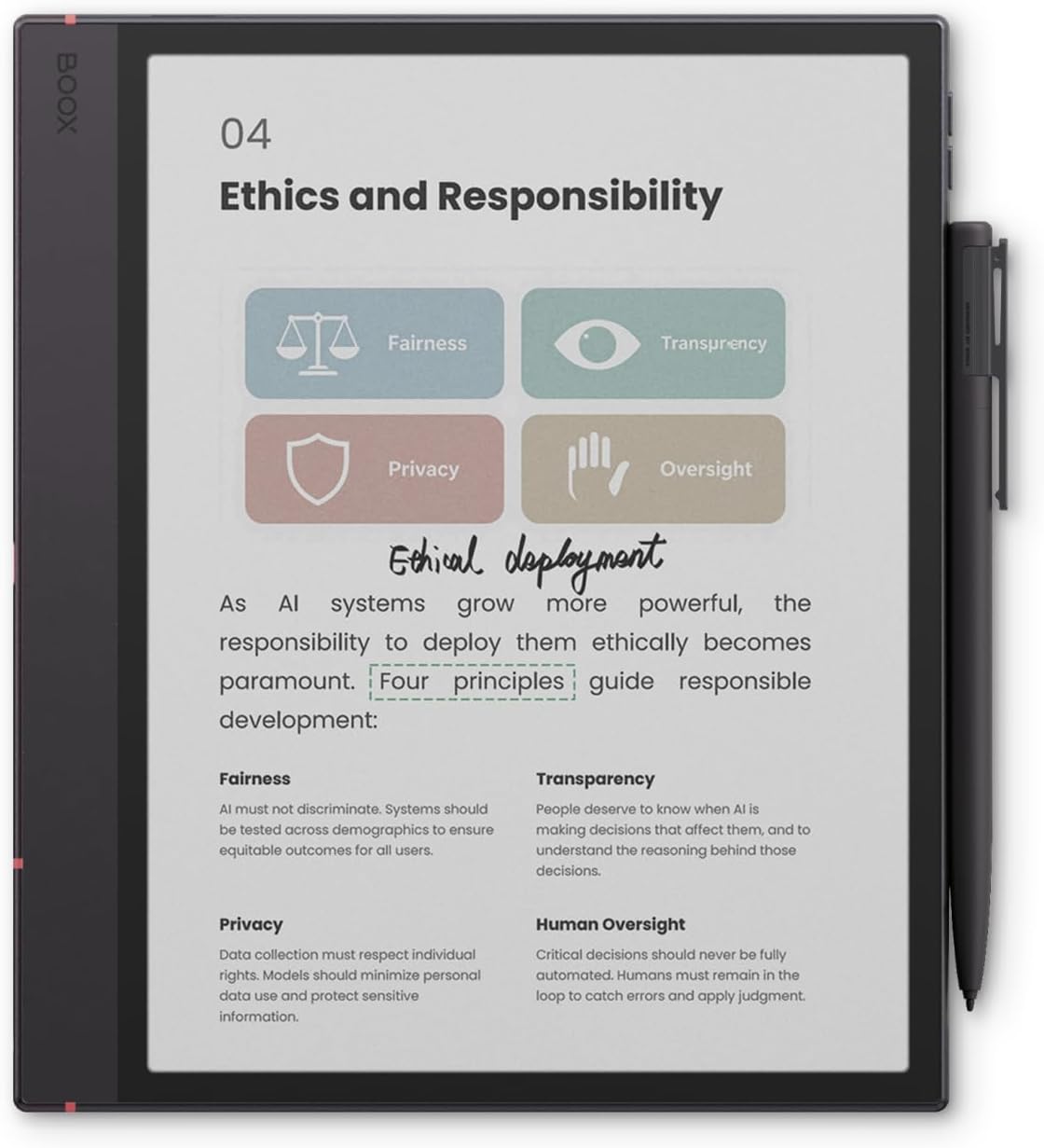
A colour e-paper notebook for someone who wants handwritten notes and Android flexibility in the same device.