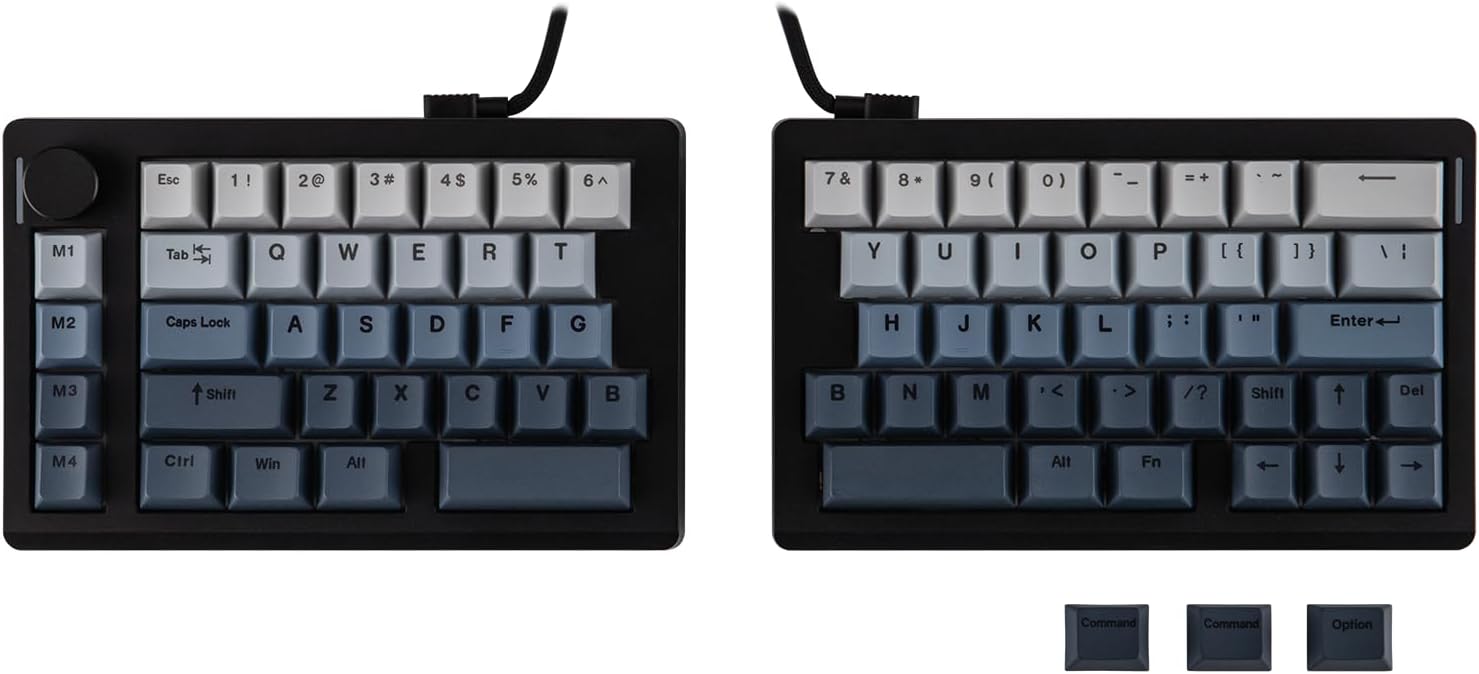
EPOMAKER Split70 Split Mechanical Keyboard
A mechanical keyboard that splits in two, so each half sits where your shoulders actually put them.
Explore this find →
Amazon UK (affiliate link) ↗
The collection
Write down three actions you repeat in your software. Switching a scene, scrubbing a timeline and orbiting a 3D model call for different controls. Check support for the exact app and operating system you use before choosing.
Three ways to control a creative app
The Streonor S6 Mini suits a small desk if you want to see labels on the six LCD keys. Check whether the app or plugin you use can assign the knobs and scene keys to the actions you need.
The TourBox Neo is a wired option for editing by feel. Its dial and buttons make more sense if you frequently scrub a timeline or adjust a value. Check which presets and controls are available for your editing app.
The 3Dconnexion SpaceMouse Wireless is for moving around a CAD or 3D scene while keeping your other hand on a mouse. Check your modelling software against 3Dconnexion’s supported applications before buying.
If you only need a few keyboard shortcuts, count how many dedicated buttons would make a difference before choosing a larger deck. For the rest of the workspace, see Desk & Office.
Showing 1–12 of 40 finds
A mechanical keyboard that splits in two, so each half sits where your shoulders actually put them.
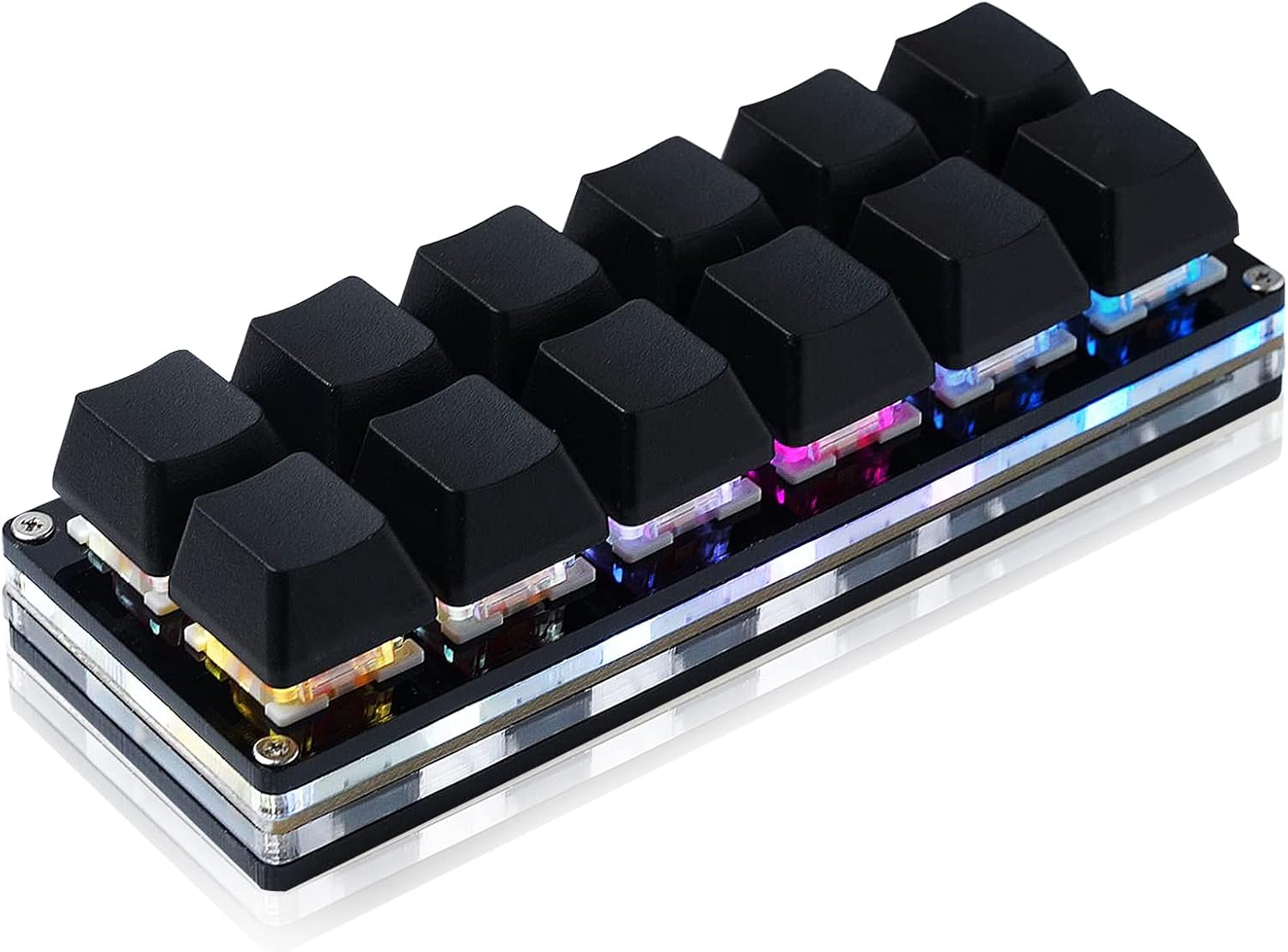
A USB keypad with twelve hot-swappable mechanical switches.
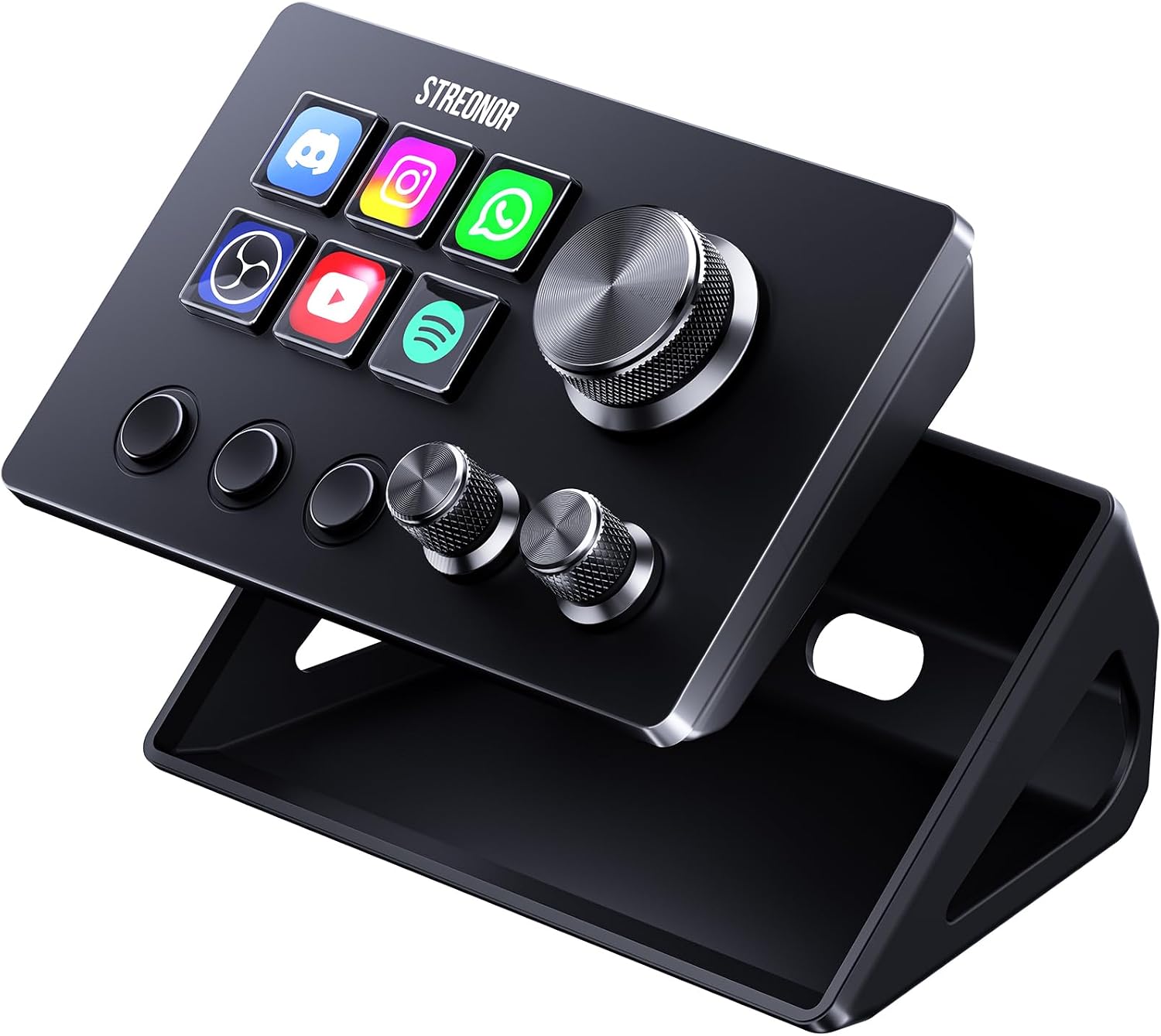
A compact studio deck with six LCD keys, three knobs and three scene keys.
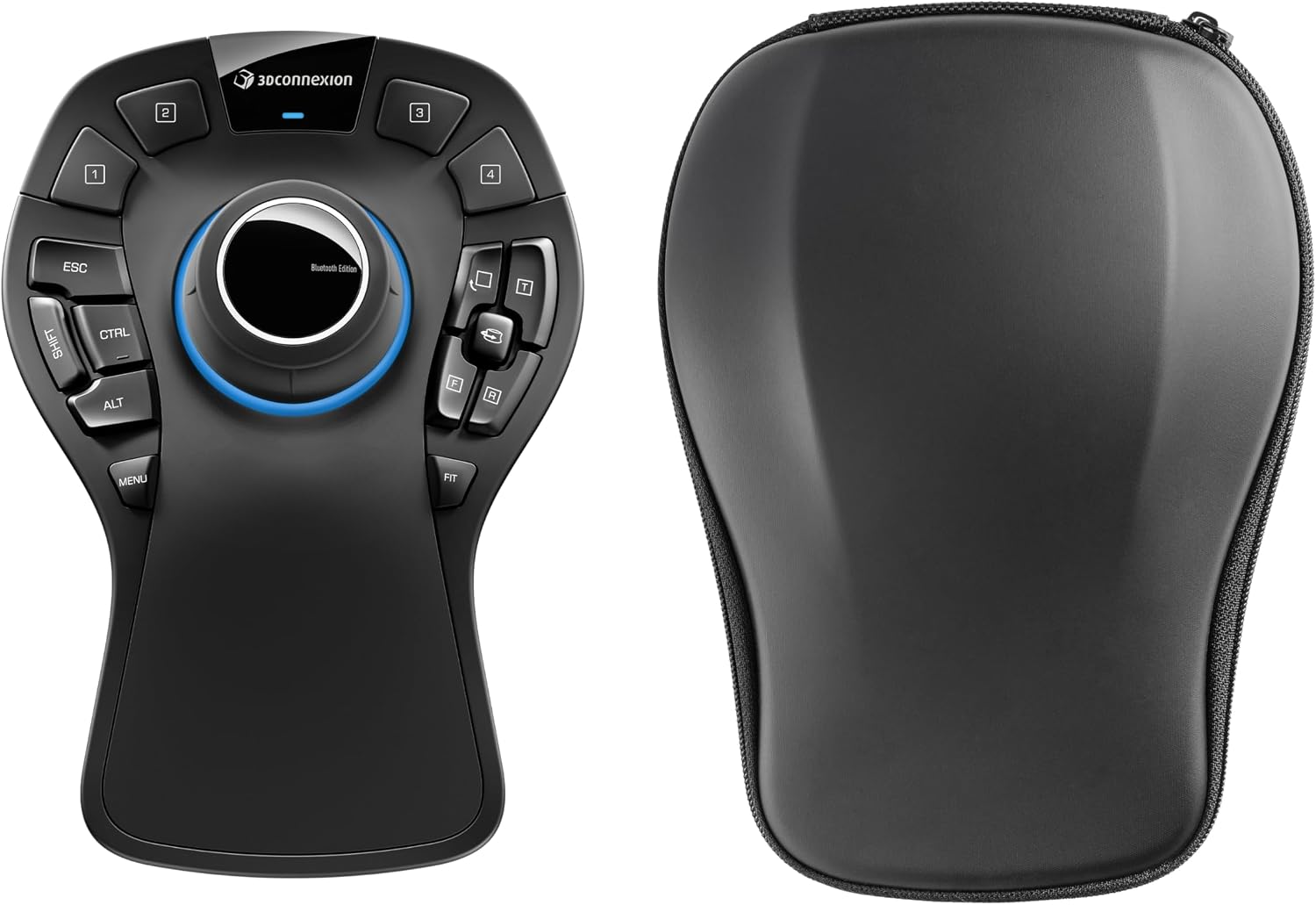
Move around a 3D model and jump to a standard view from the same controller.
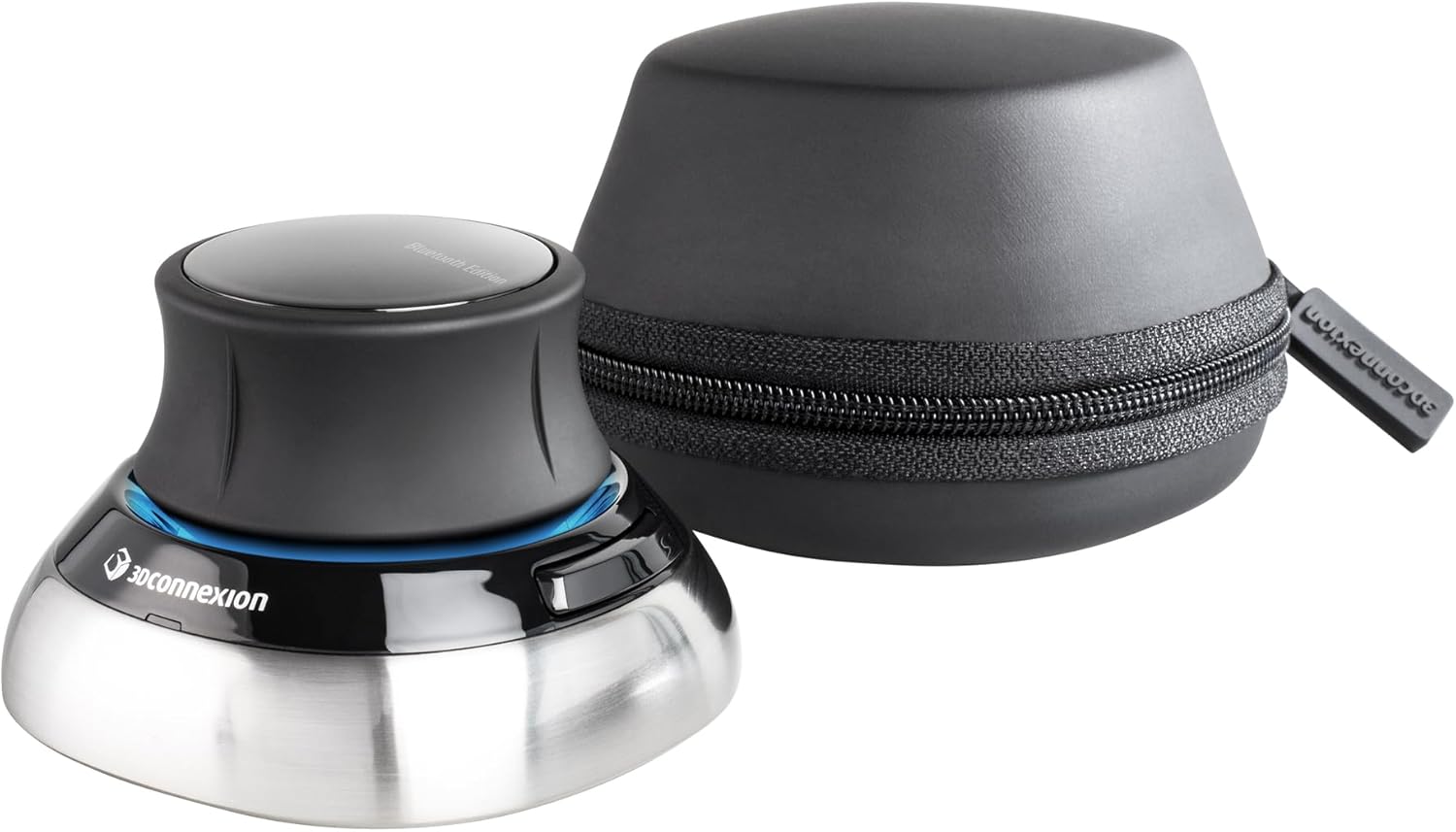
Pan, zoom and rotate a 3D model with one hand while editing with your usual mouse.
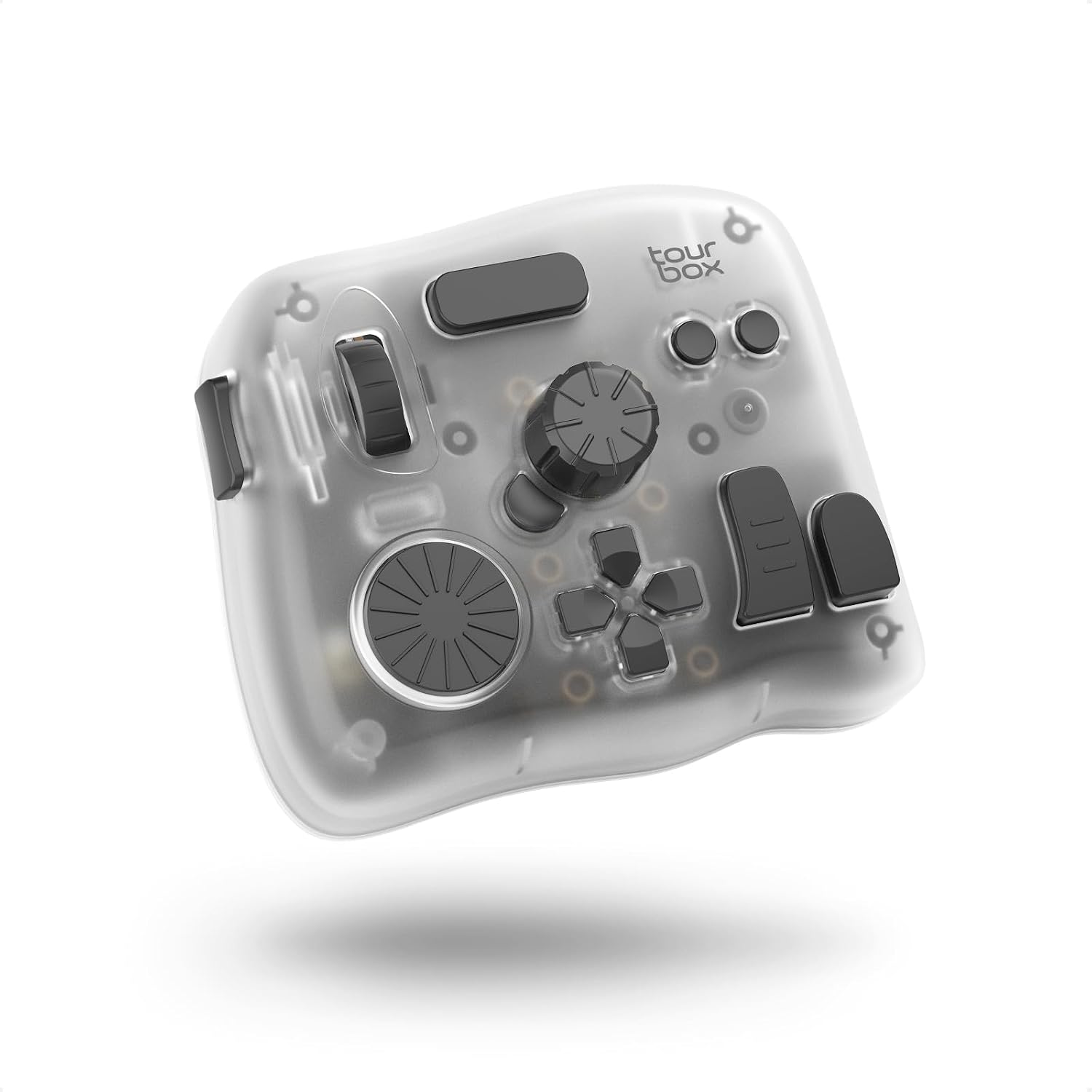
Use a wheel and buttons for frequent editing actions on a computer or tablet.
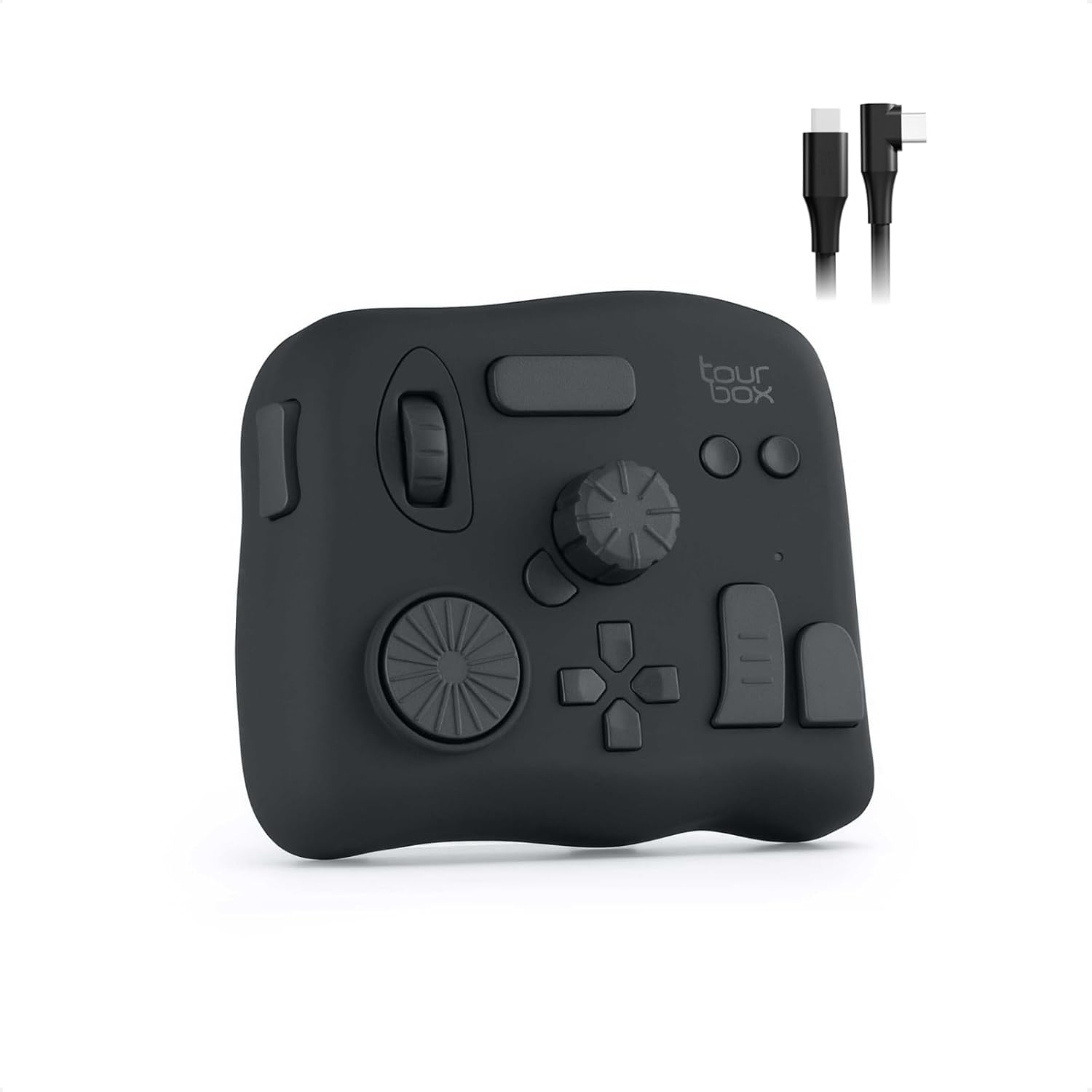
Scrub a timeline or adjust a slider with a physical dial while keeping the mouse free.
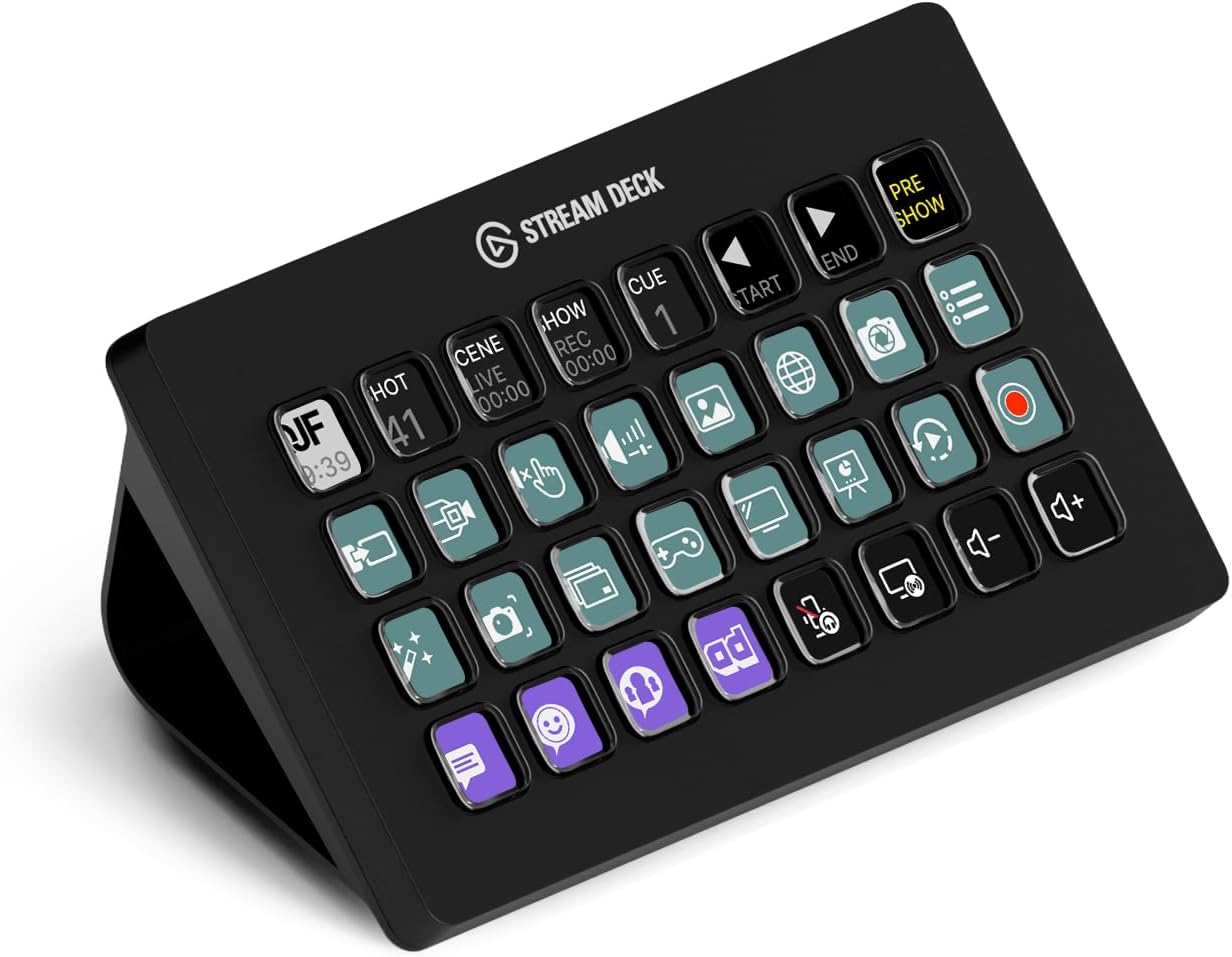
Keep 32 shortcuts visible at once when running a stream or switching between production tools.
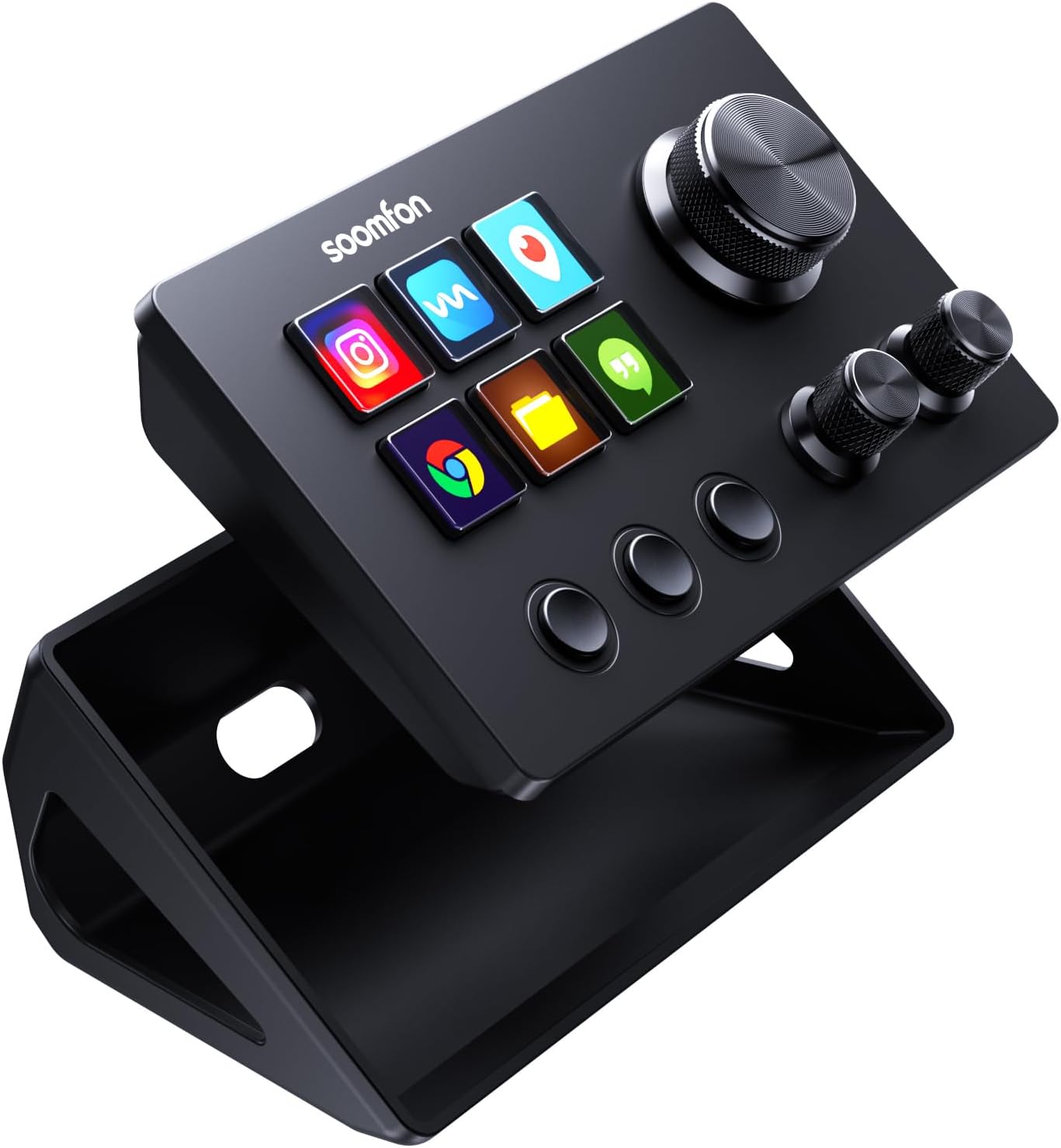
Keep six shortcuts beside three rotary knobs for adjustments such as volume.
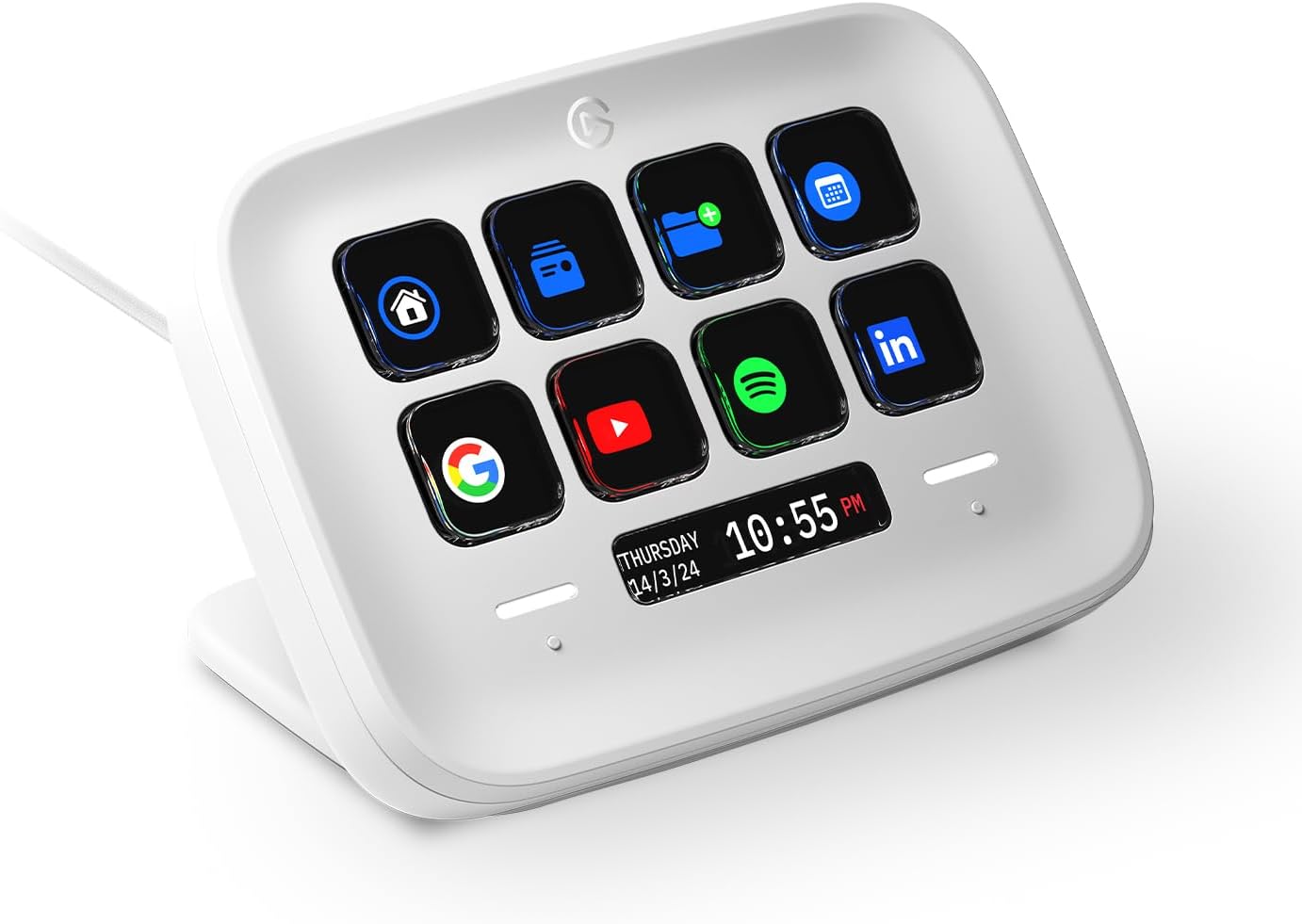
Put frequently used commands on eight labelled keys within reach.
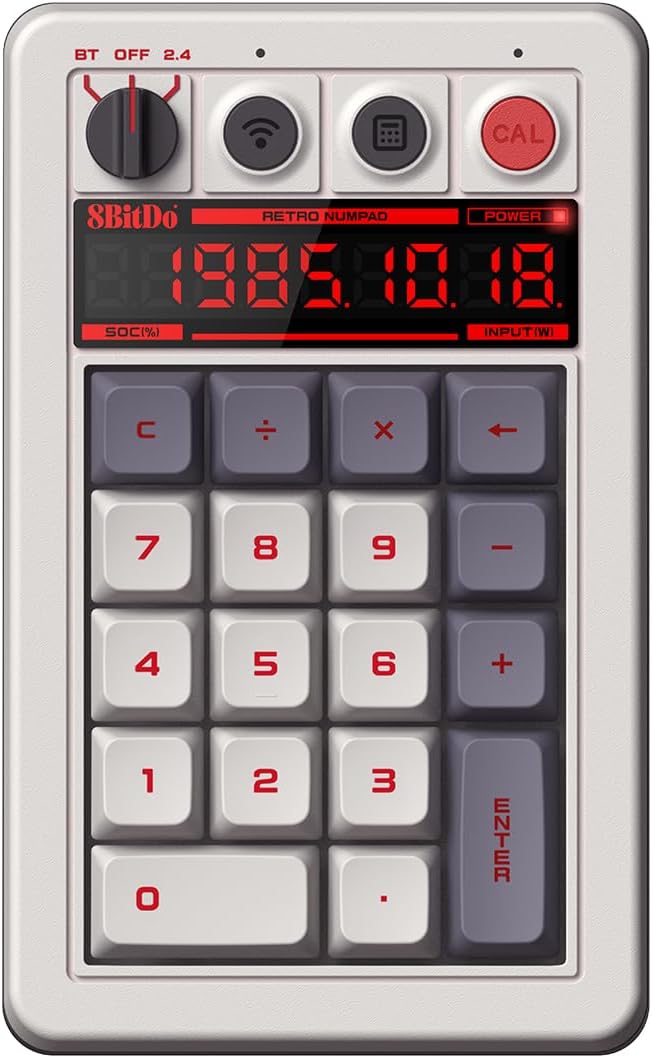
A retro mechanical number pad with its own LED display and standalone calculator mode.
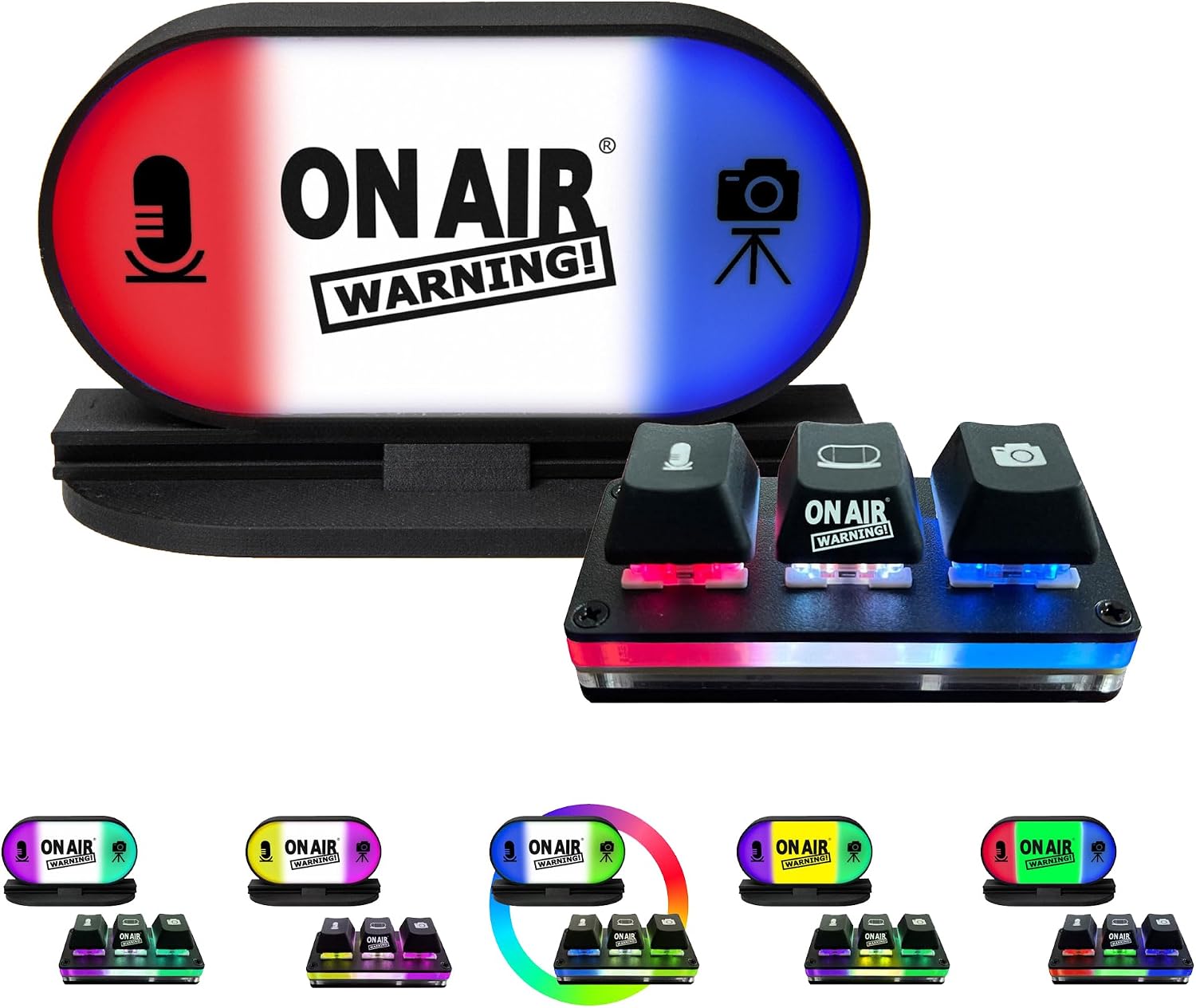
A desktop control with separate indicators for microphone, camera and active meetings.