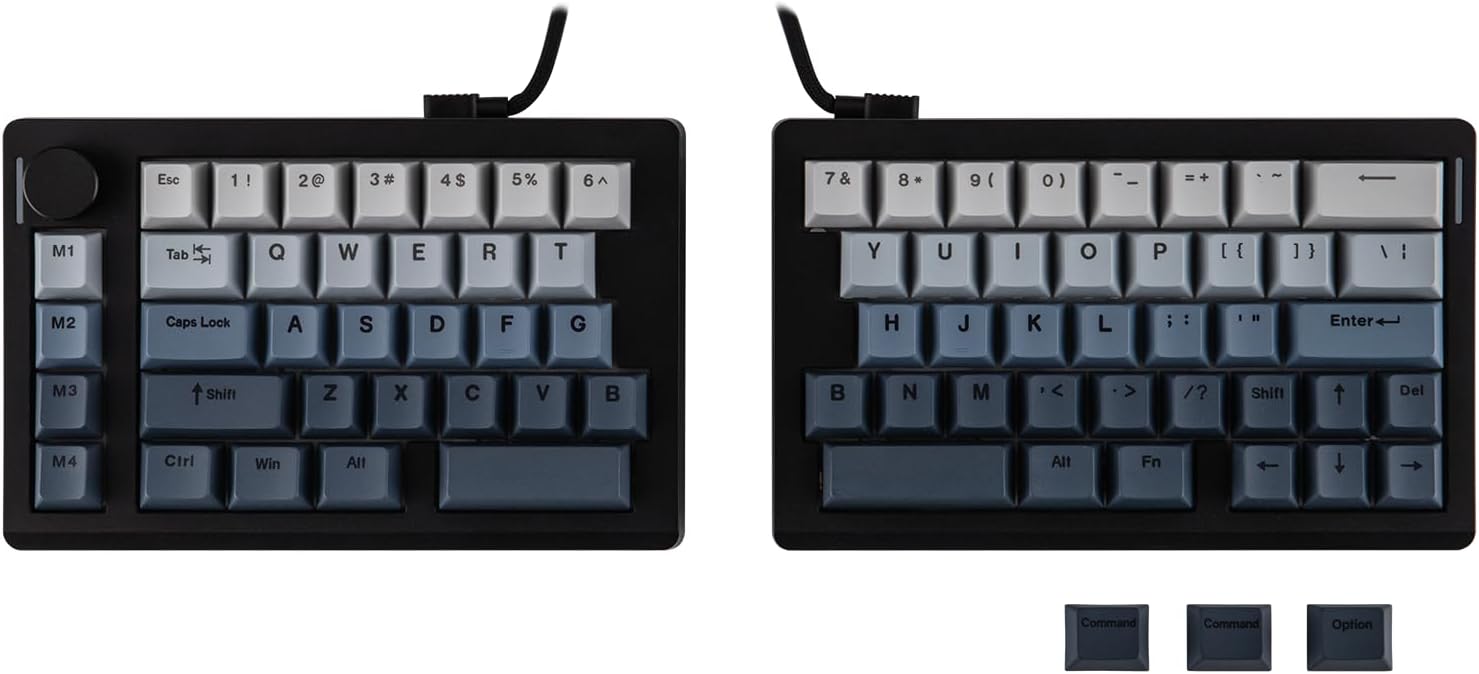
EPOMAKER Split70 Split Mechanical Keyboard
A mechanical keyboard that splits in two, so each half sits where your shoulders actually put them.
Explore this find →
Amazon UK (affiliate link) ↗
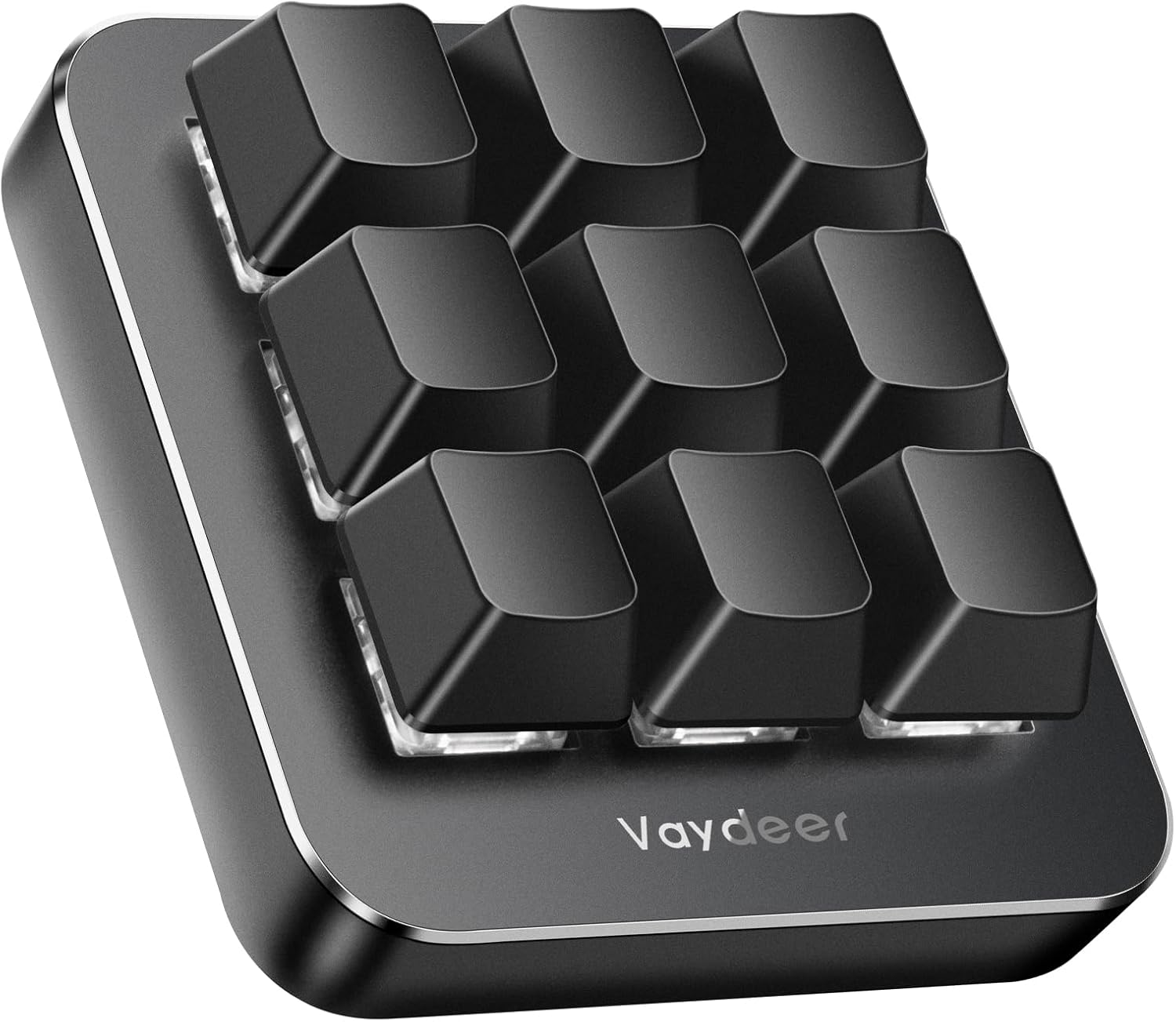
A separate nine-key USB pad for the shortcuts you use repeatedly.
As an Amazon Associate I earn from qualifying purchases. Prices, availability and delivery options may change; check the retailer’s listing before ordering.
The keypad puts programmable actions under one hand. Use it for a small set of routine commands, such as switching tools in an editor or opening a folder you use all day.
It suits a desk with one repetitive workflow and room beside the main keyboard. Start with a few actions that have a clear place on the pad so you can remember them without looking.
Verify which operating systems support programming, whether you need software running in the background and how assignments are saved.
Listing checked on 11 November 2026. This is an editorial product overview, not a hands-on test. Check Amazon for the current offer, seller and delivery details.
The VAYDEER nine-key macro keypad puts frequently used commands on a compact USB pad that sits beside your main keyboard. Each of the nine keys is programmable, and six switchable layers allow up to 54 macros covering shortcuts, text strings, media controls, mouse actions or one-click launches for folders, websites and apps. Layers change by scrolling the mouse wheel or switch automatically with the application in focus, and a floating window shows which layer is active. Designers can collapse multi-step software combinations into a single press, office workers gain one-touch copy and paste, and players can map game combos for titles such as CS:GO or OSU. The non-conflict keys register simultaneous presses accurately.
Key details recorded from the Amazon UK listing for this model at review:
Check price and availability on Amazon UK (affiliate link)
Keep exploring
A mechanical keyboard that splits in two, so each half sits where your shoulders actually put them.
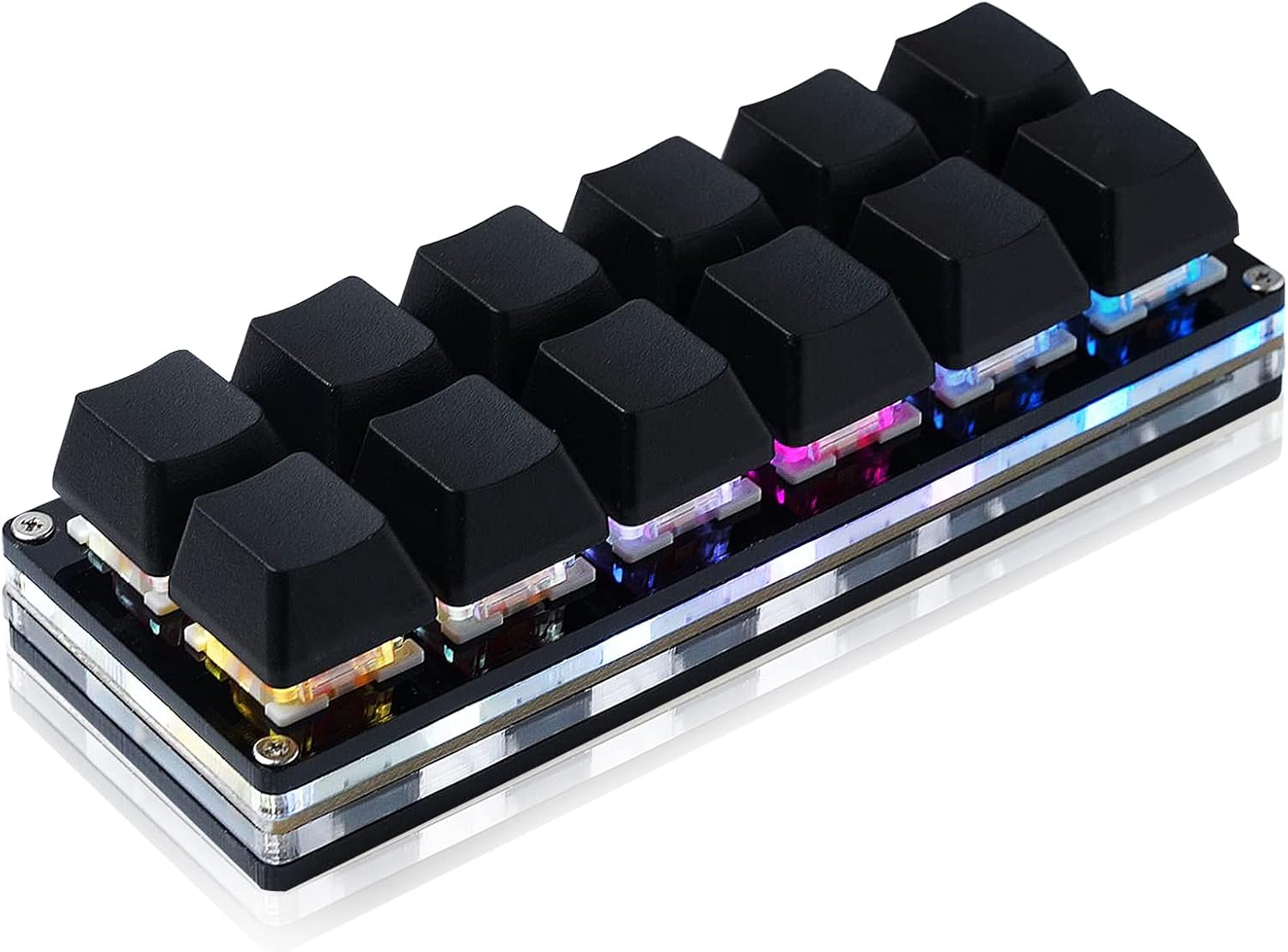
A USB keypad with twelve hot-swappable mechanical switches.
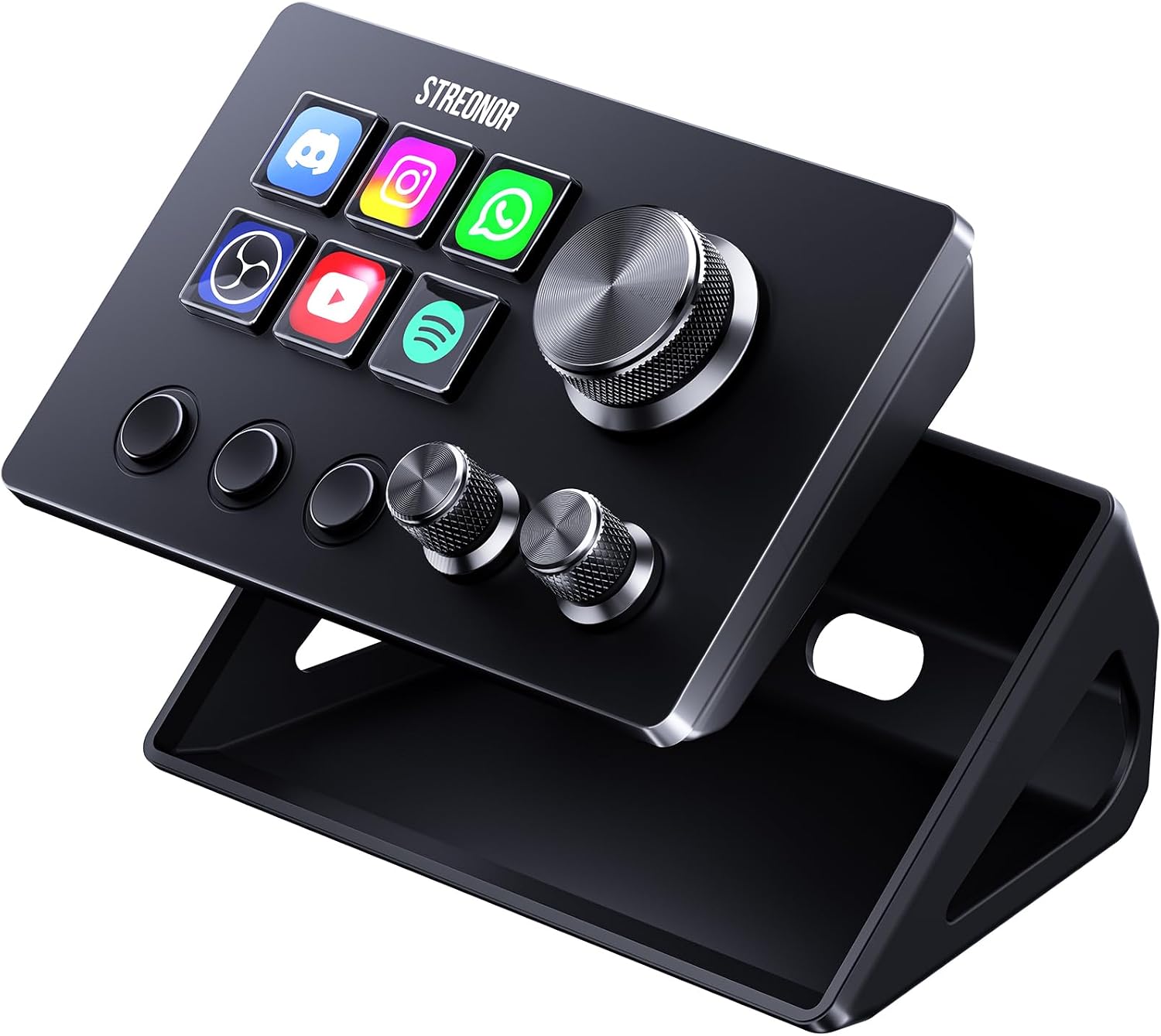
A compact studio deck with six LCD keys, three knobs and three scene keys.