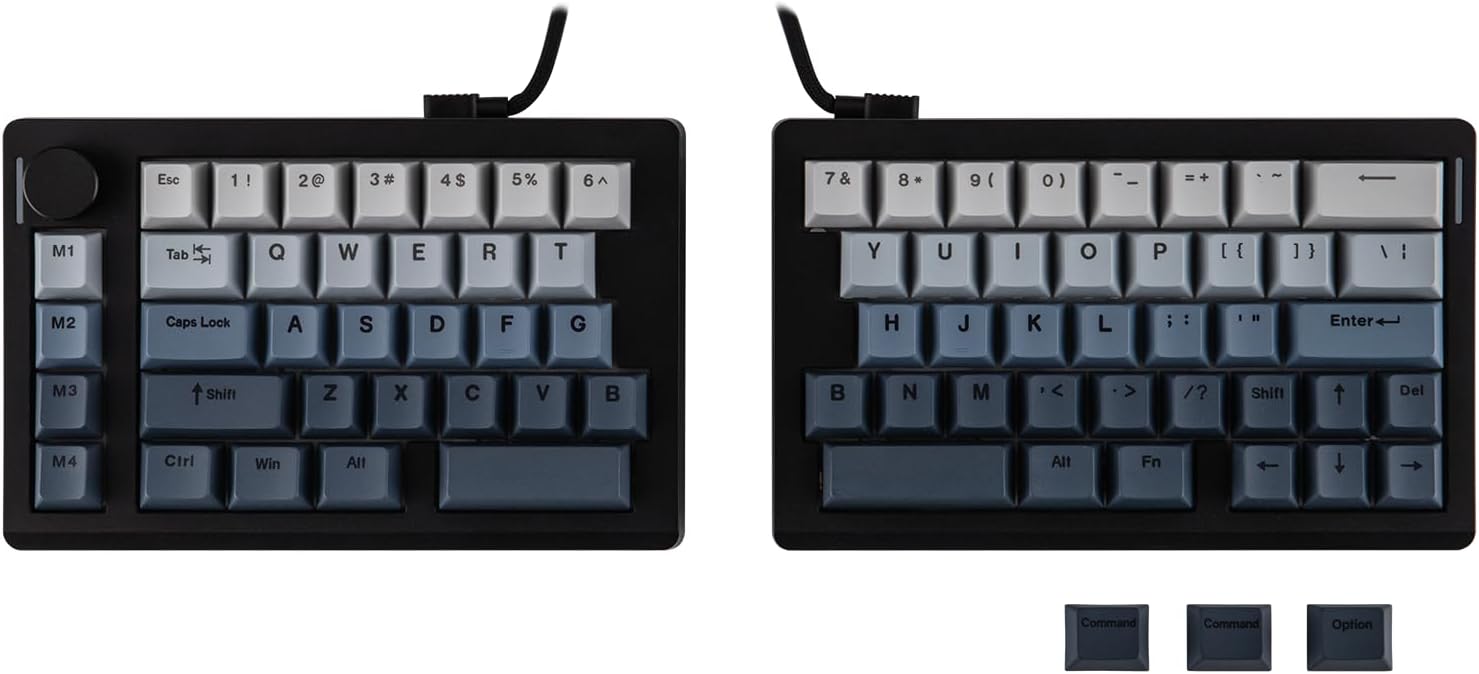
EPOMAKER Split70 Split Mechanical Keyboard
A mechanical keyboard that splits in two, so each half sits where your shoulders actually put them.
Explore this find →
Amazon UK (affiliate link) ↗
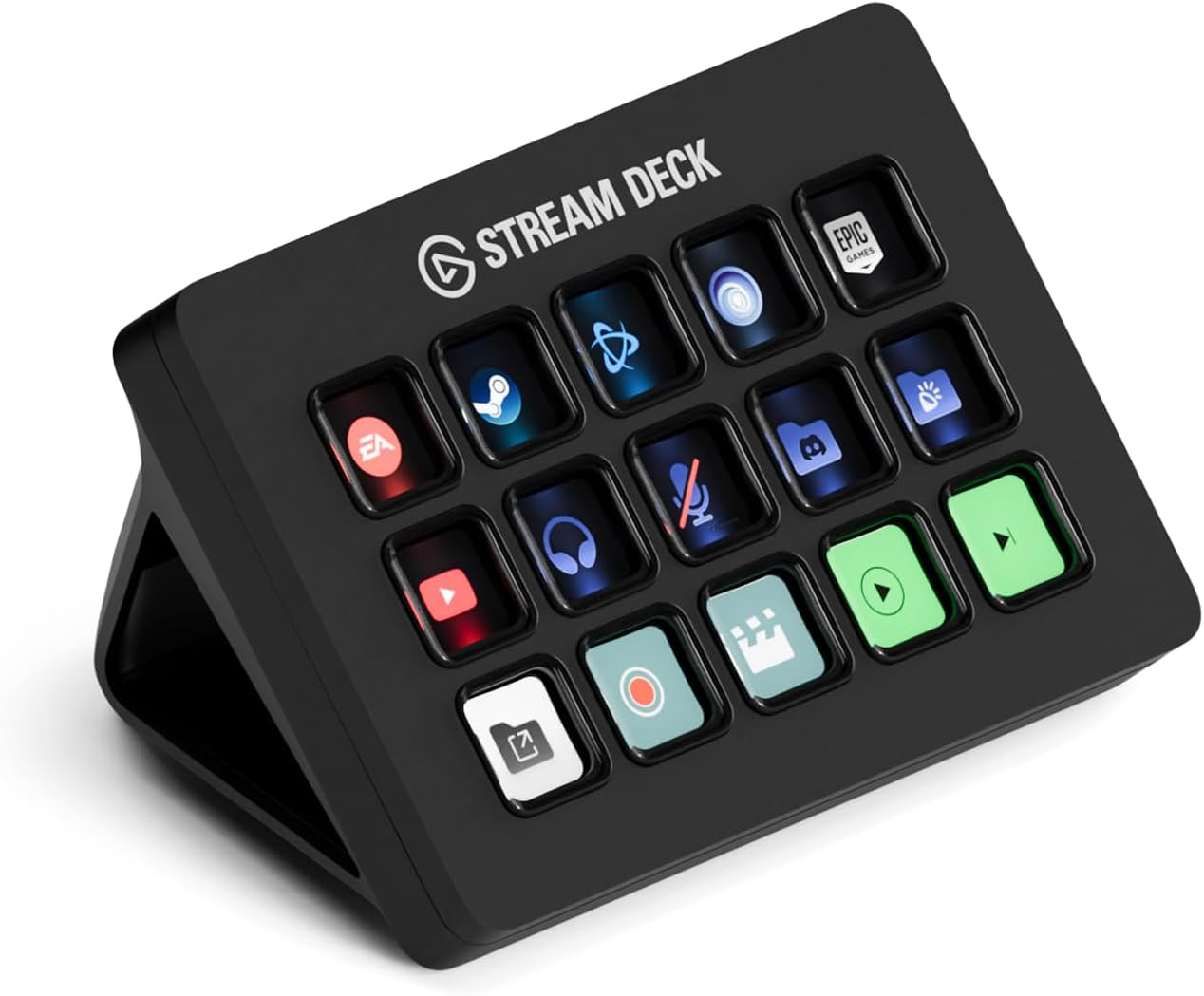
A panel of visual shortcut keys for actions you want to find without hunting through windows.
As an Amazon Associate I earn from qualifying purchases. Prices, availability and delivery options may change; check the retailer’s listing before ordering.
Stream Deck MK.2 puts labelled, configurable actions on a physical control surface. It is useful when a process has repeatable moments: muting a microphone, launching an application or moving between tasks. Folders and profiles can give the same keys different jobs for different workflows.
It can suit a streamer, editor or desktop user who can identify actions that are currently awkward to reach. Compare it with the FIFINE D6 and simpler macro pads. The most important difference may be support for the software you already use rather than the number of buttons alone.
Verify supported operating systems, plug-ins, USB connections and the included stand or cable. Some controls depend on third-party integrations. Start by mapping a handful of useful actions instead of filling every key at once. Confirm that the offer is for the full MK.2 controller, not a compatible holder or case.
Listing checked on 11 November 2026. This is an editorial product overview, not a hands-on test. Check Amazon for the current offer, seller and delivery details.
The Elgato Stream Deck MK.2 is a studio controller with 15 macro keys that puts labelled, configurable actions within reach, so silencing a mic, opening an app or hopping between tasks no longer means digging through windows. Folders and profiles let one set of keys serve several workflows with different assignments, from streaming to video editing to everyday desk work. Game-focused examples include launching a title with one tap, muting the microphone mid-match with a tactile press and adjusting game and chat audio separately, alongside custom actions such as soundbites and voice effects. That makes it a natural upgrade for streamers, editors and desktop users who know exactly which actions are awkward to reach today. Check supported operating systems and plug-ins before buying, and begin by mapping a few genuinely useful actions rather than filling every key at once.
Key details recorded from the Amazon UK listing for this model at review:
Check price and availability on Amazon UK (affiliate link)
Keep exploring
A mechanical keyboard that splits in two, so each half sits where your shoulders actually put them.
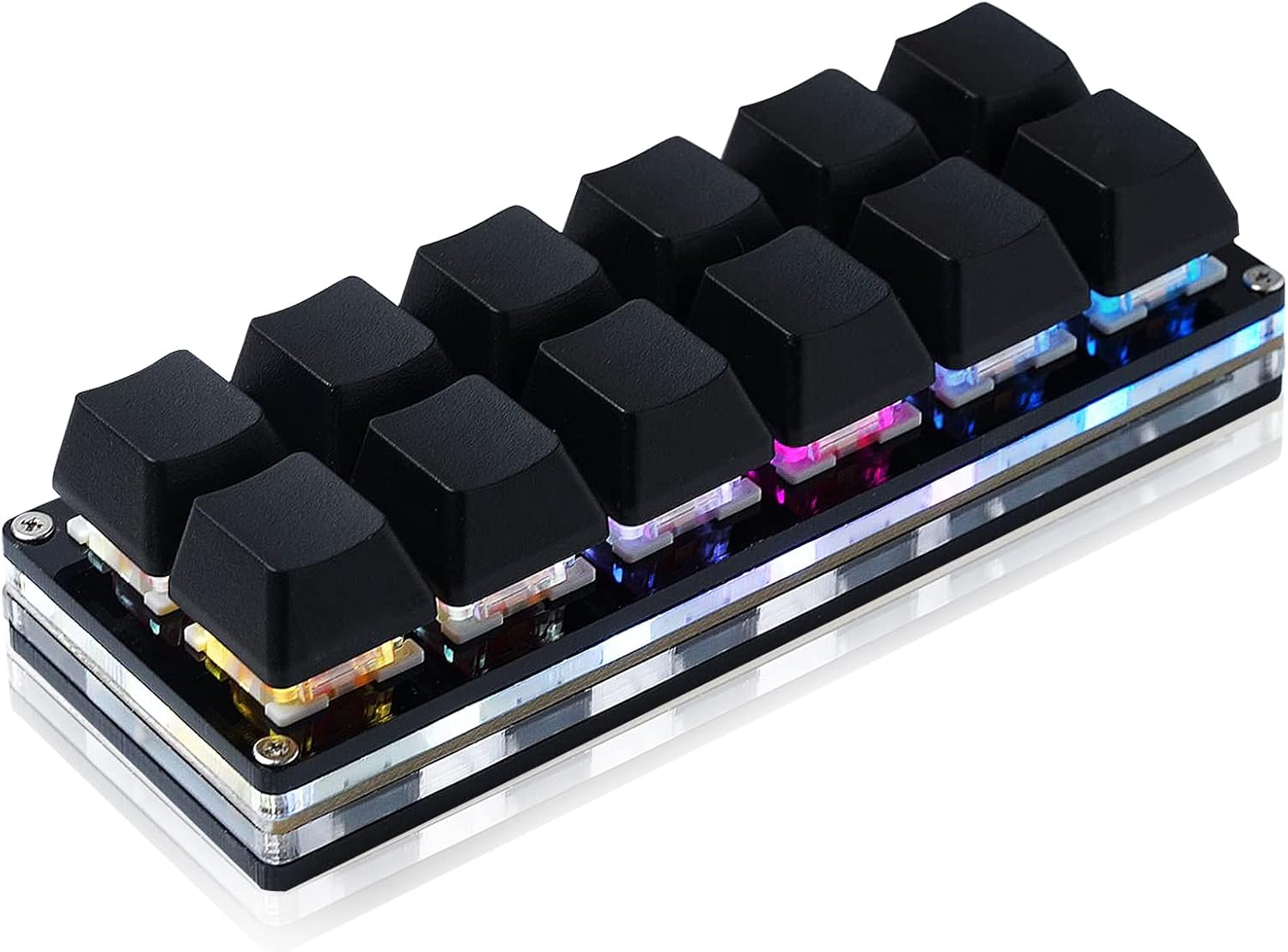
A USB keypad with twelve hot-swappable mechanical switches.
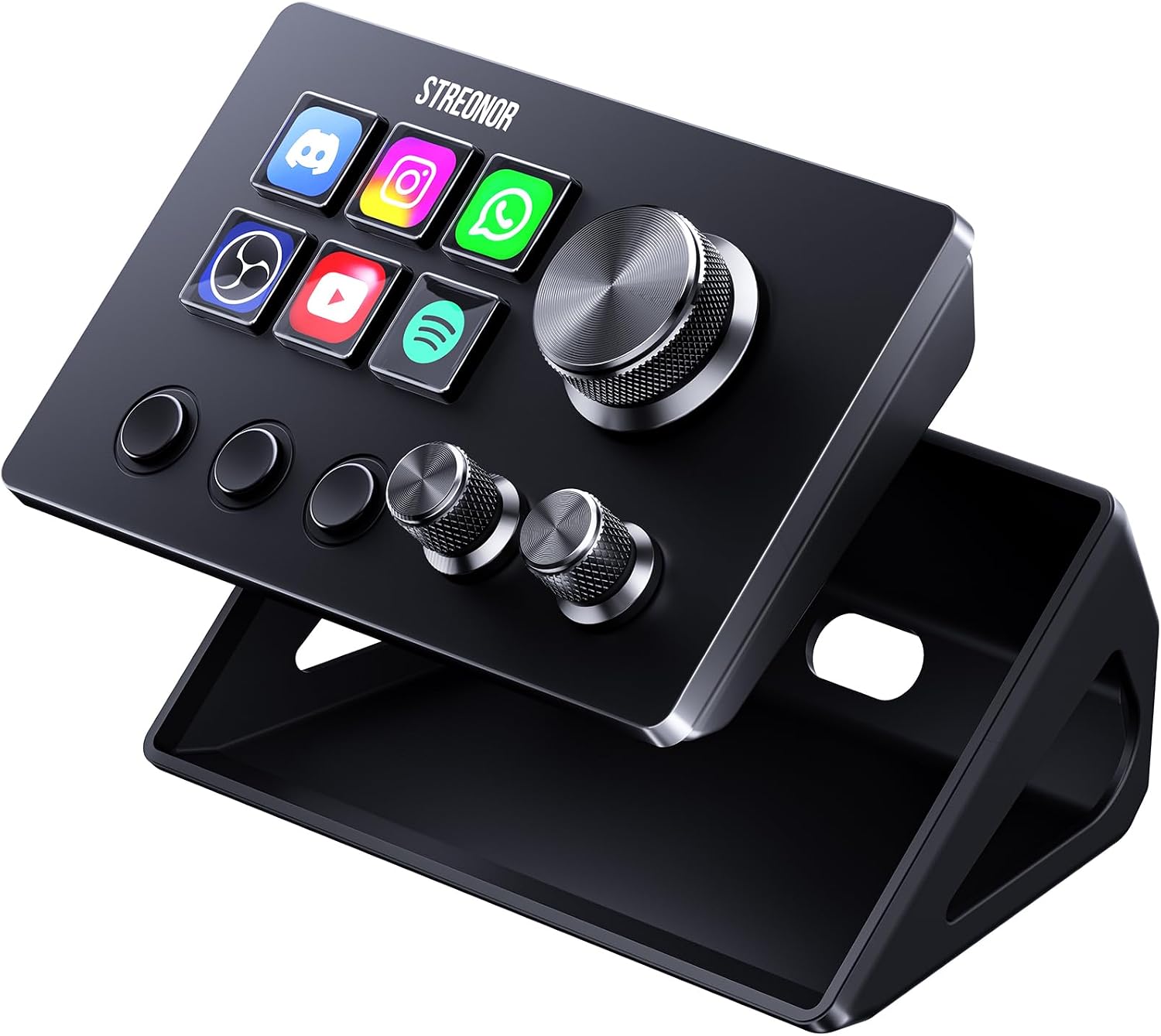
A compact studio deck with six LCD keys, three knobs and three scene keys.