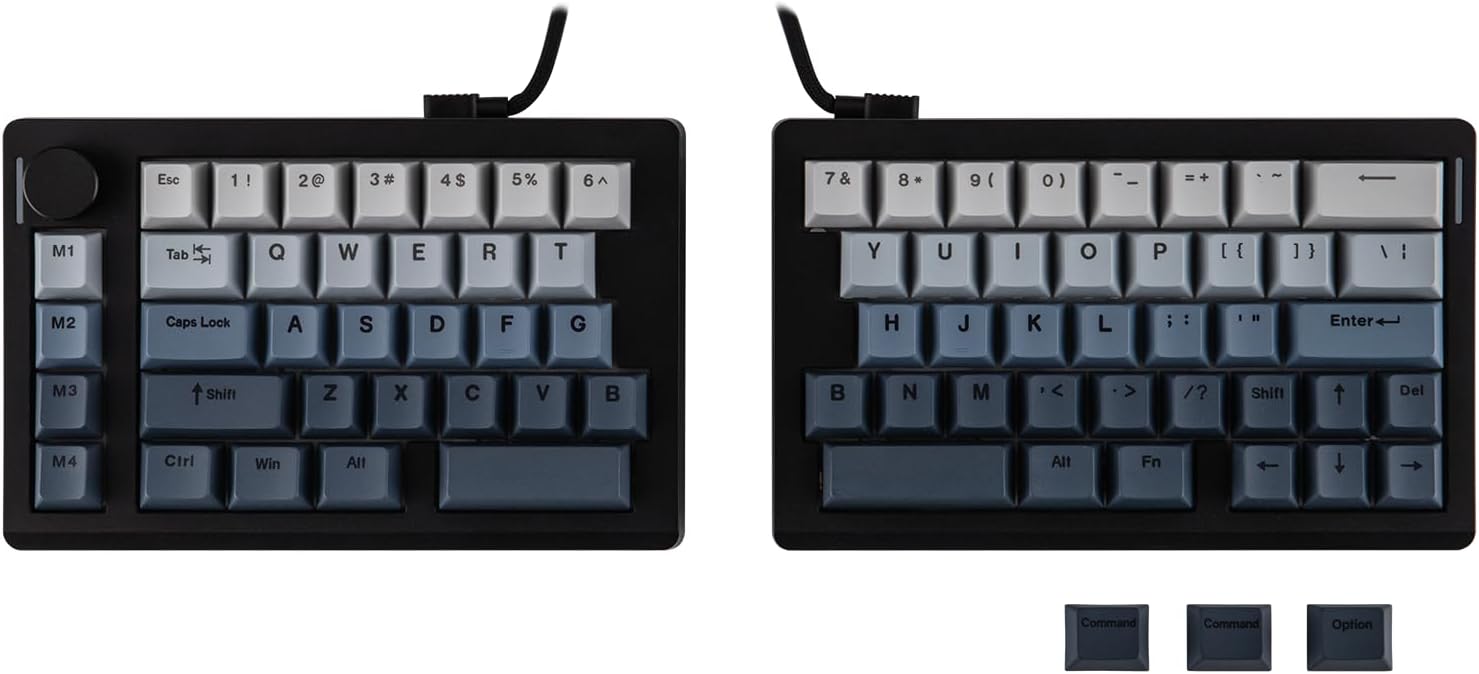
EPOMAKER Split70 Split Mechanical Keyboard
A mechanical keyboard that splits in two, so each half sits where your shoulders actually put them.
Explore this find →
Amazon UK (affiliate link) ↗
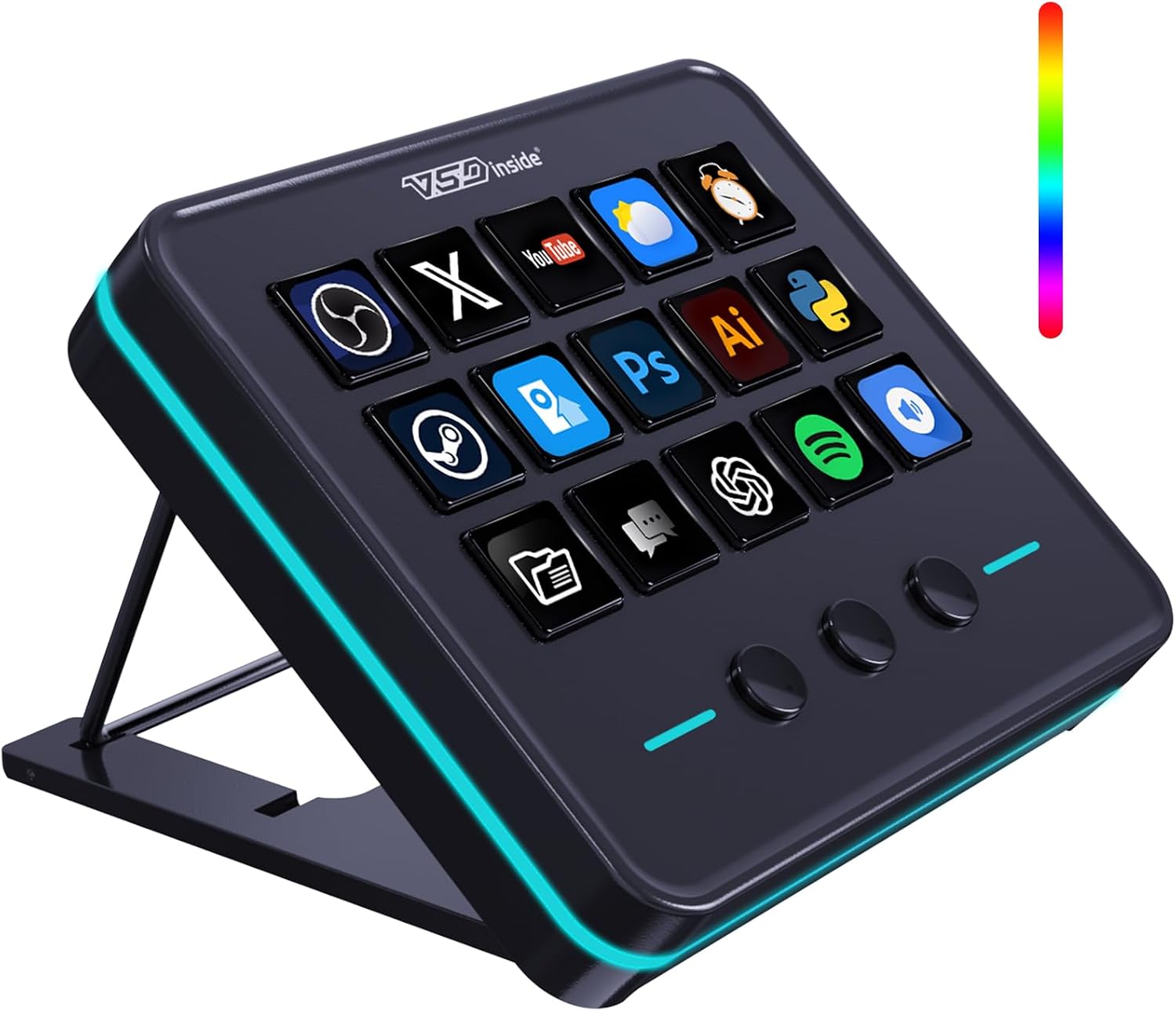
A wired desktop controller with fifteen LCD shortcut keys and three additional buttons.
As an Amazon Associate I earn from qualifying purchases. Prices, availability and delivery options may change; check the retailer’s listing before ordering.
Use the displays to label commands for editing or streaming and give frequently used actions a dedicated button.
It suits a desk with room for a separate shortcut panel next to the keyboard.
Check the configuration software and which actions work with your operating system.
Listing checked on 11 November 2026. This is an editorial product overview, not a hands-on test. Check Amazon for the current offer, seller and delivery details.
This wired USB controller puts eighteen programmable shortcut keys on the desk, fifteen of them fitted with small LCD screens that display whichever command each button carries, alongside three further buttons. For editors, streamers and anyone whose workflow leans on repeated actions, the panel gives frequently used commands a physical, labelled home instead of leaving them buried in menus. The displays can be relabelled as software changes, so the layout can follow the project rather than the other way round. It is designed to sit beside the keyboard as a separate panel, which suits a desk with a little spare room to one side. Before buying, check which configuration software drives the controller and confirm the actions you need are supported under your operating system.
Key details recorded from the Amazon UK listing for this model at review:
Check price and availability on Amazon UK (affiliate link)
Keep exploring
A mechanical keyboard that splits in two, so each half sits where your shoulders actually put them.
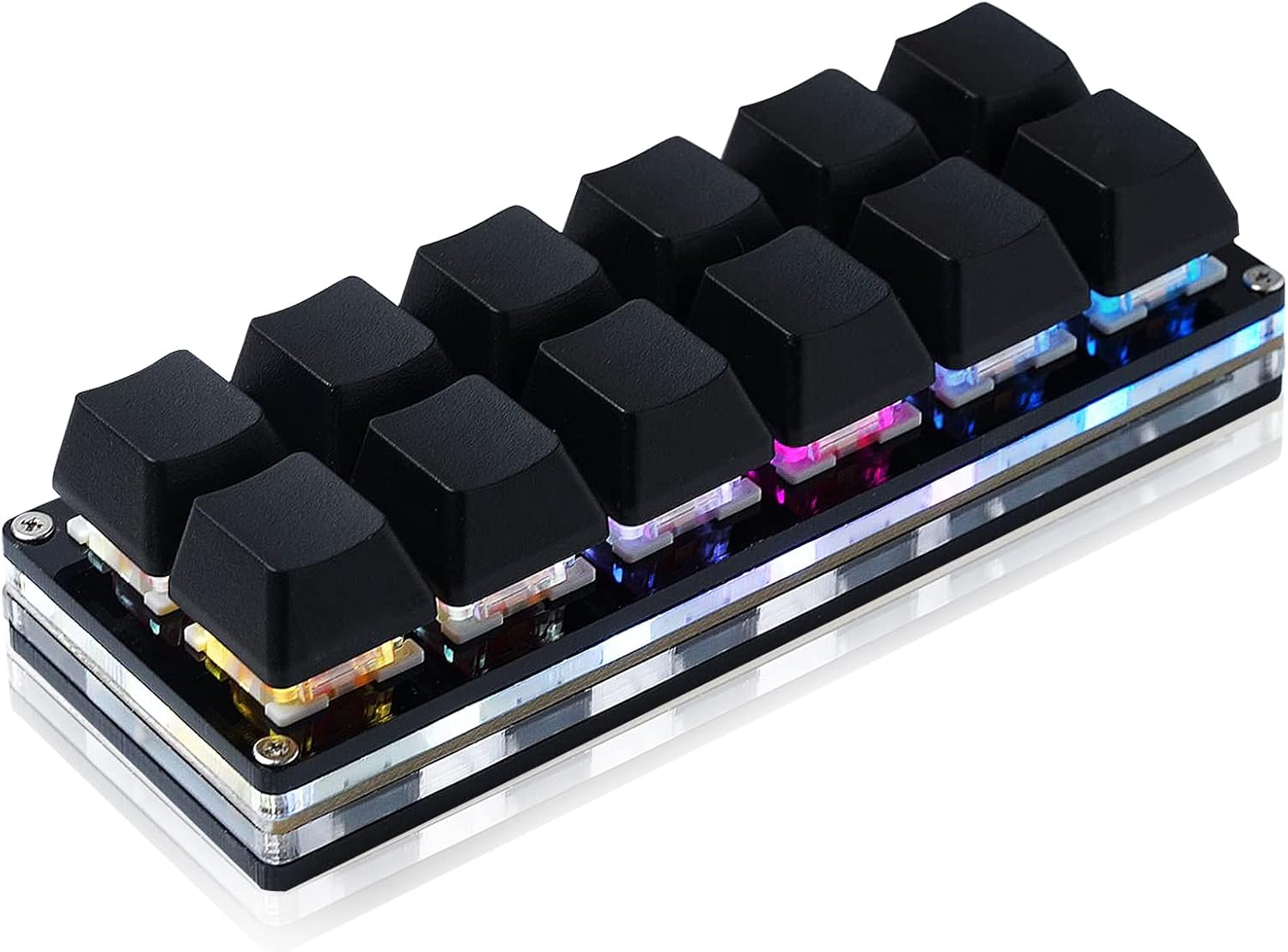
A USB keypad with twelve hot-swappable mechanical switches.
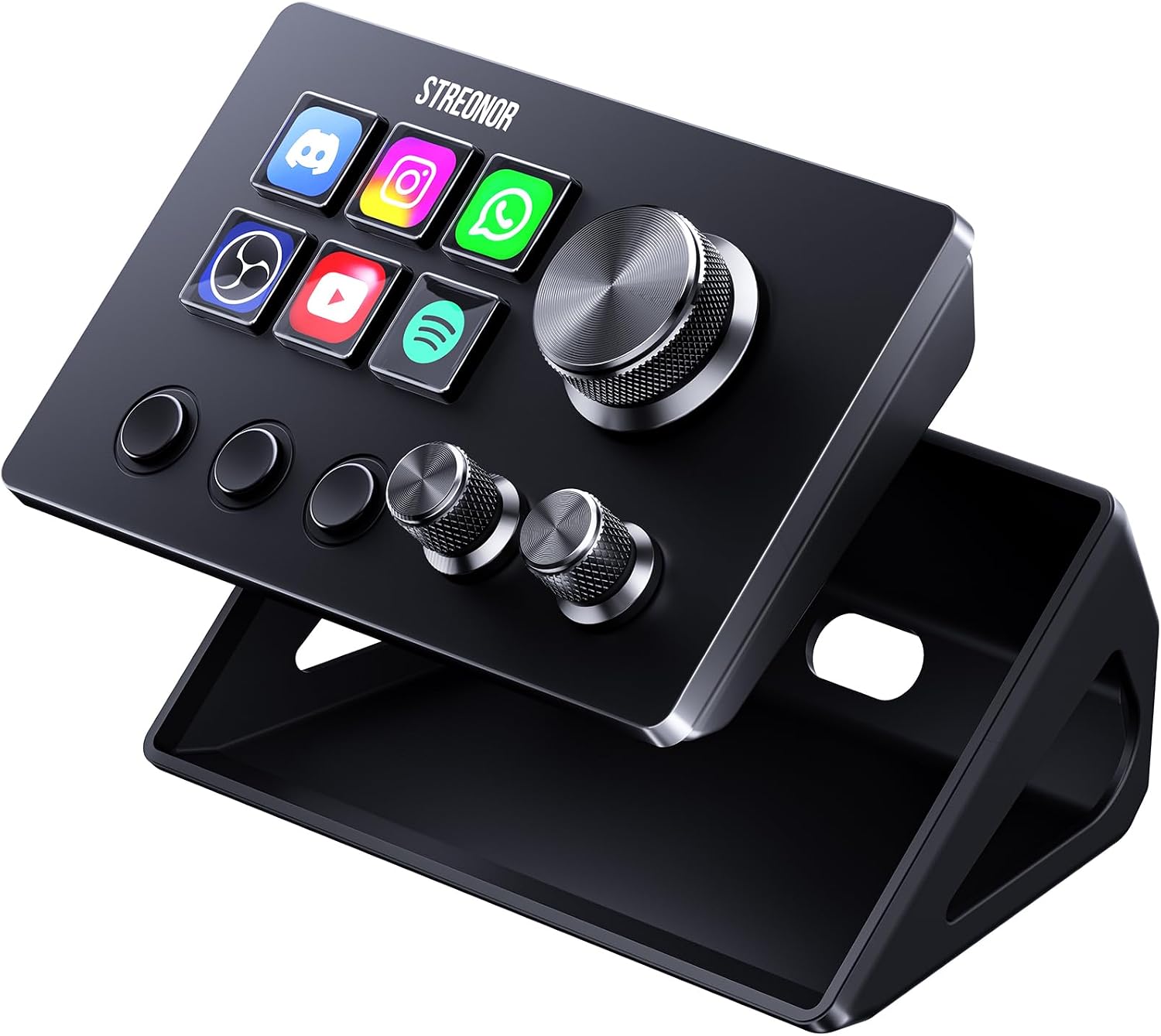
A compact studio deck with six LCD keys, three knobs and three scene keys.