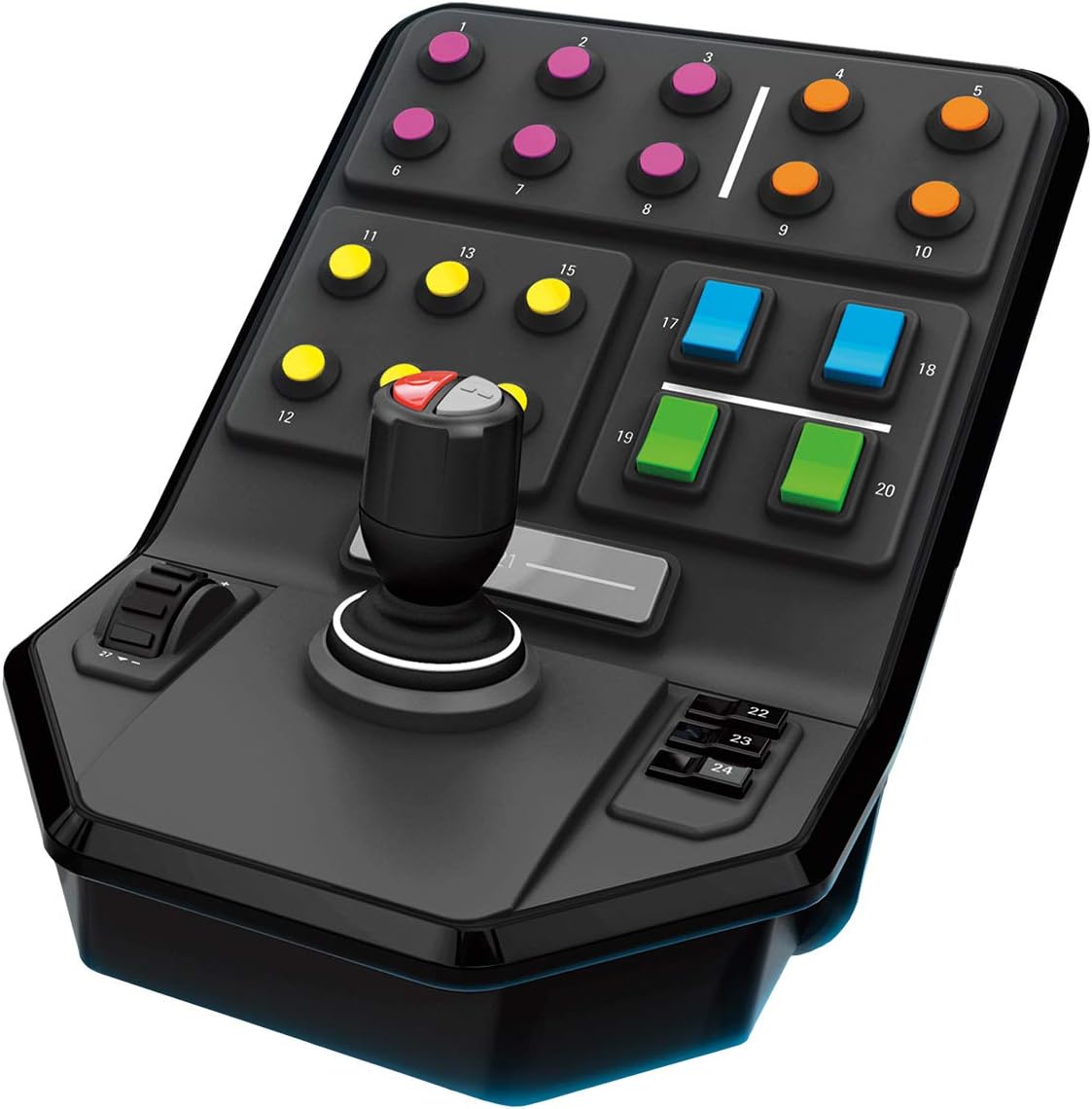
Logitech G Saitek Farm Sim Heavy Equipment Side Panel
Move a virtual loader with its own control stick while keeping other commands within reach.
Explore this find →
Amazon UK (affiliate link) ↗
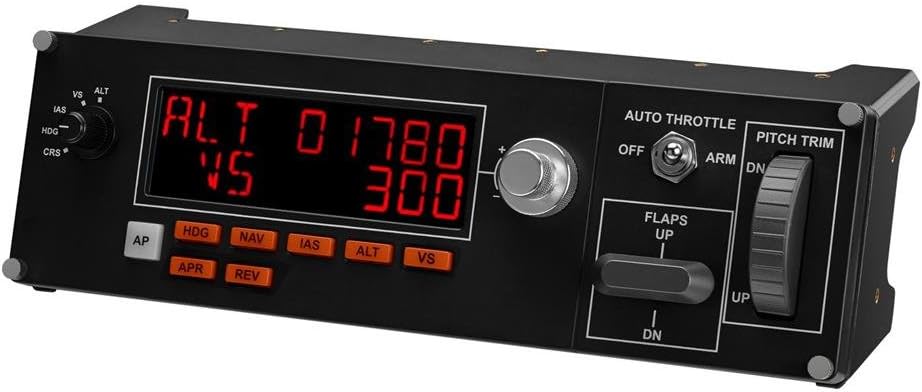
Adjust autopilot settings and trim from a dedicated panel beside your flight controls.
As an Amazon Associate I earn from qualifying purchases. Prices, availability and delivery options may change; check the retailer’s listing before ordering.
The panel has a trim wheel, flap and auto-throttle controls and can be stacked with compatible instrument panels.
Flight-sim players who want physical controls for common autopilot adjustments.
Check current driver and simulator support before mounting it in your setup.
Listing checked on 11 November 2026. This is an editorial product overview, not a hands-on test. Check Amazon for the current offer, seller and delivery details.
The Saitek Pro Flight Multi Panel from Logitech G gives flight-sim players physical controls for the autopilot adjustments that otherwise mean diving into on-screen menus. A trim wheel sits alongside flap and auto-throttle controls, so trim can be managed by feel rather than through keyboard shortcuts. The panel is designed to stack with other compatible instrument panels, which makes it easy to build up a small virtual cockpit one module at a time. It suits simulator pilots who want common autopilot functions within easy reach of their other flight controls. Before mounting it into a permanent setup, check that current drivers and your chosen simulator still support the panel.
Key details recorded from the Amazon UK listing for this model at review:
Check price and availability on Amazon UK (affiliate link)
Keep exploring
Move a virtual loader with its own control stick while keeping other commands within reach.
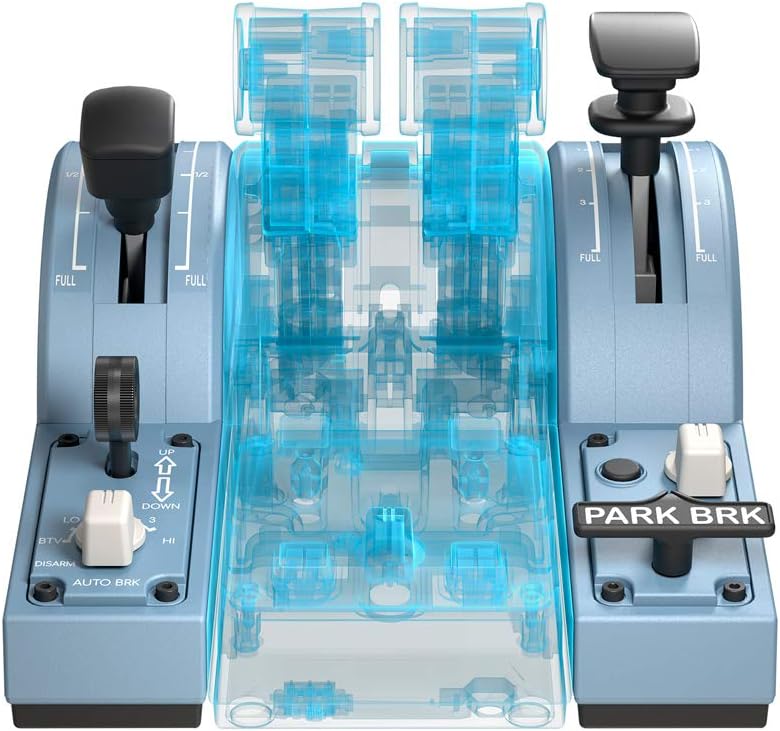
Set flaps and spoilers with dedicated levers while flying a simulated Airbus.
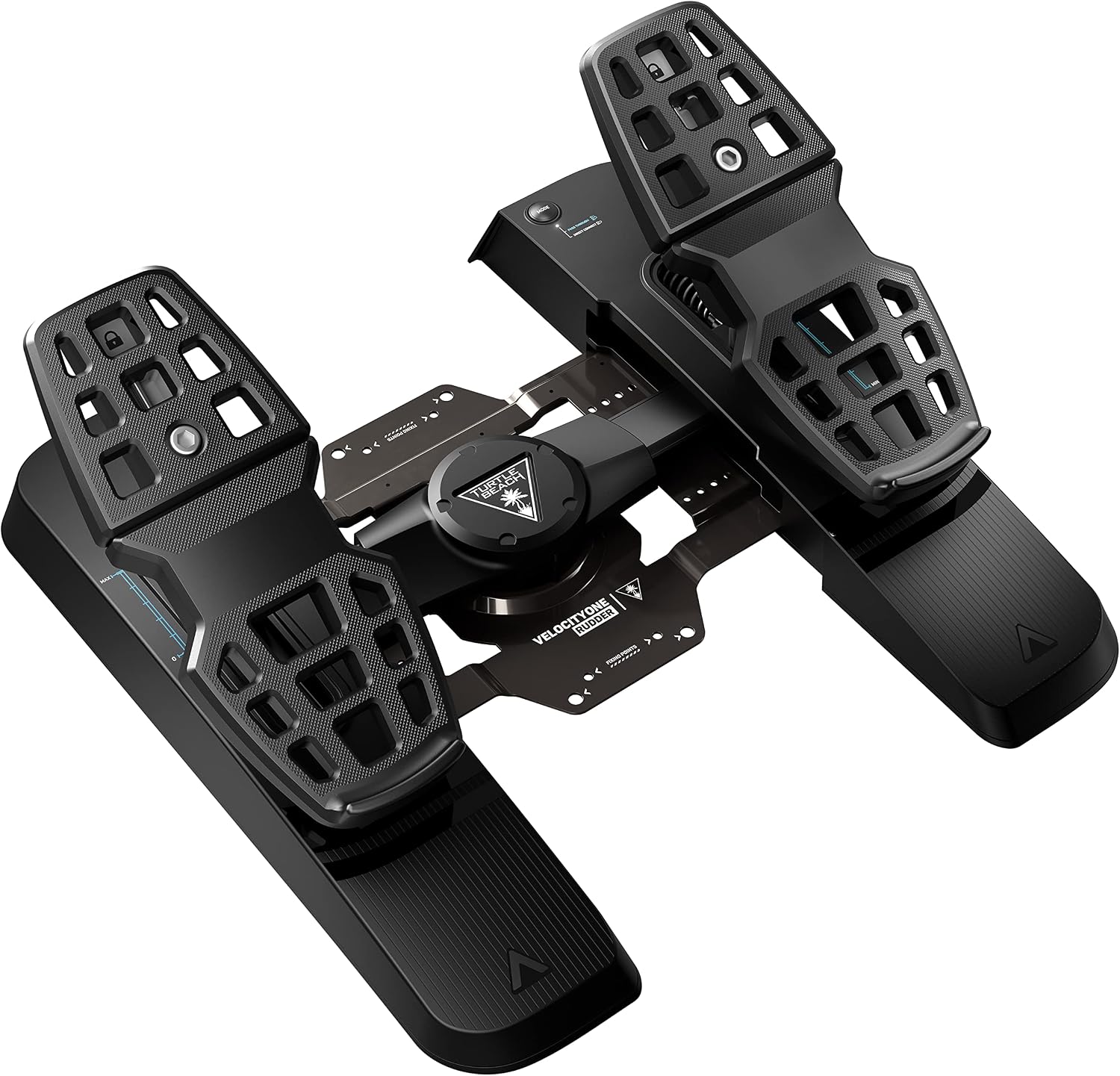
Control yaw with your feet and apply each toe brake independently during taxiing.